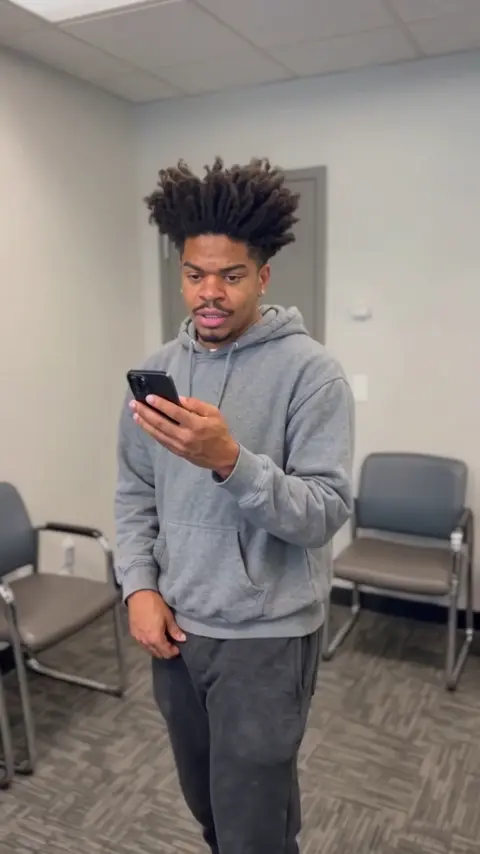
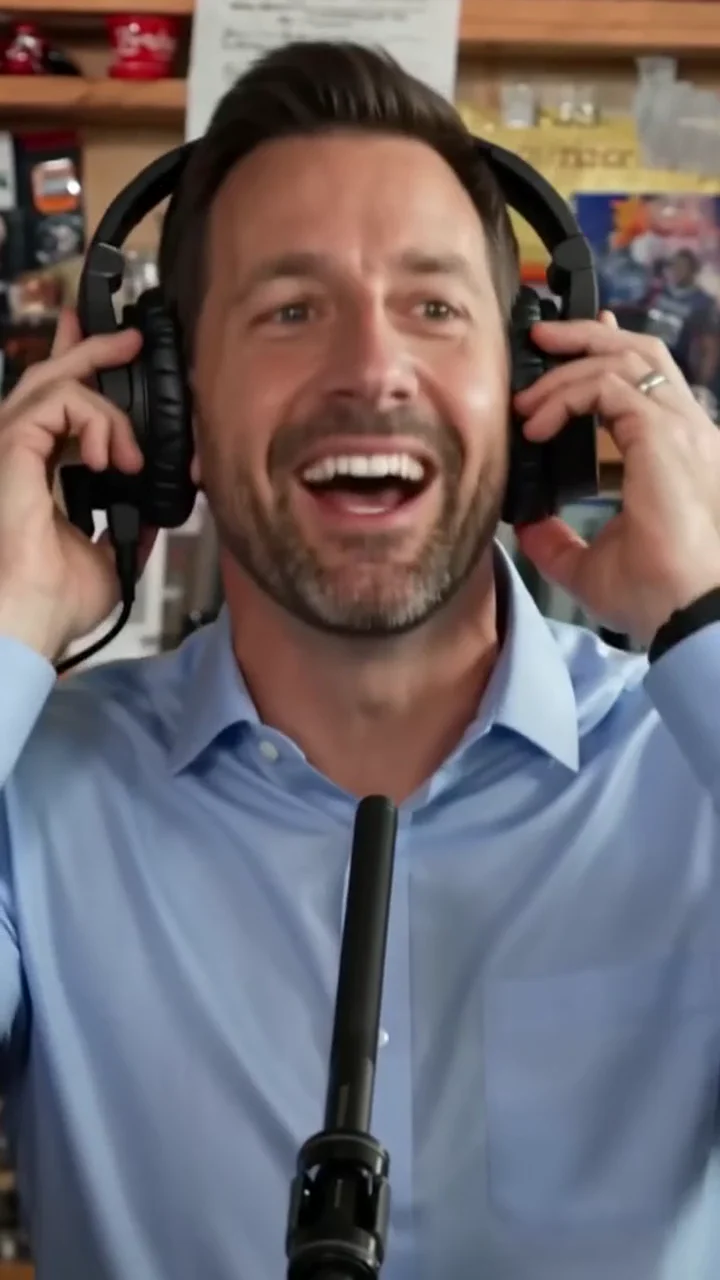
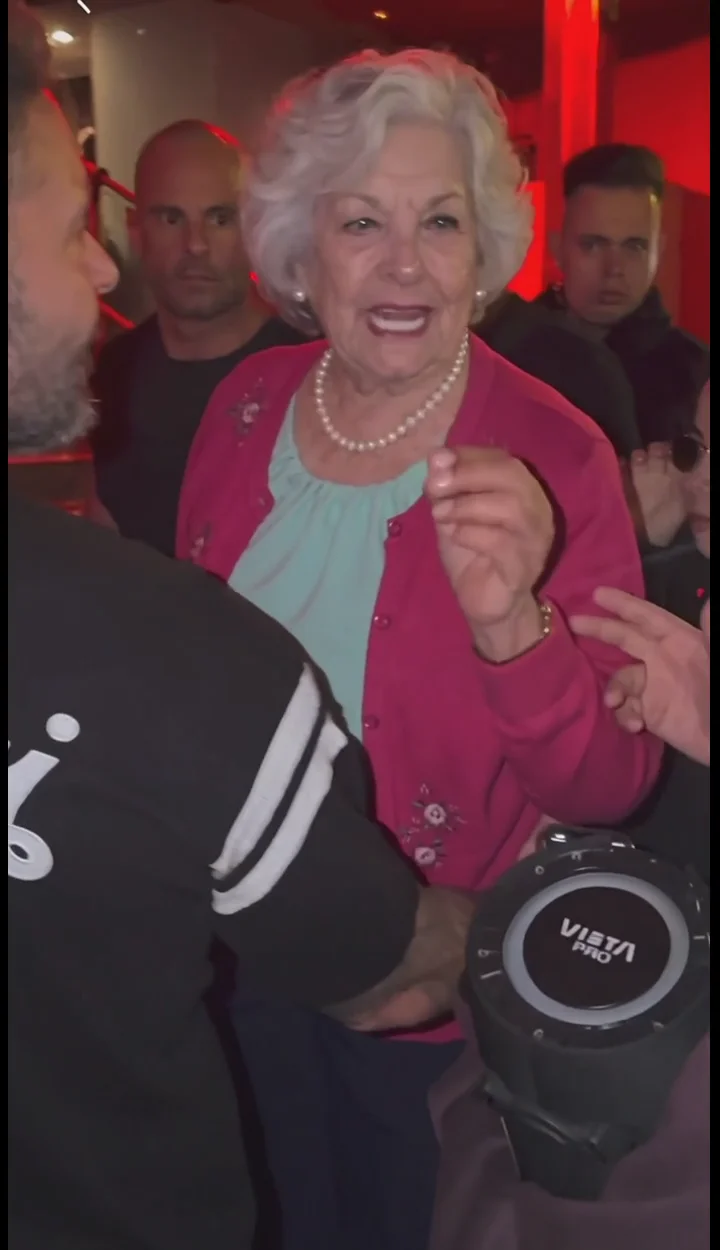
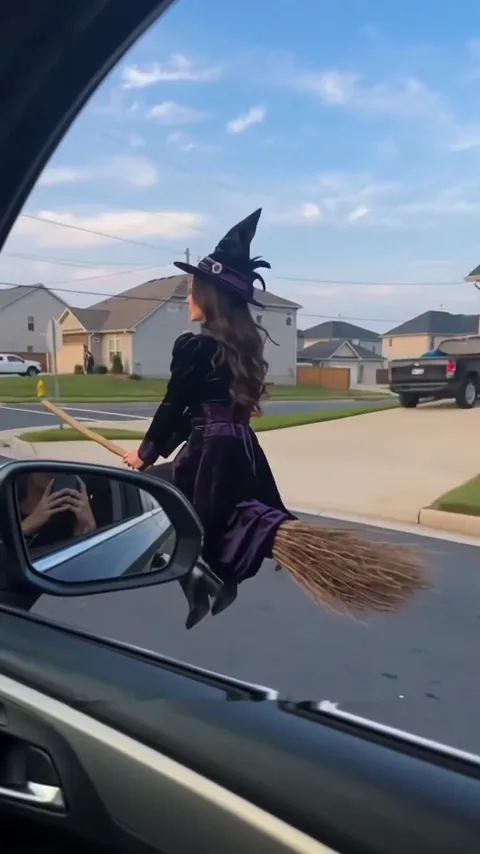
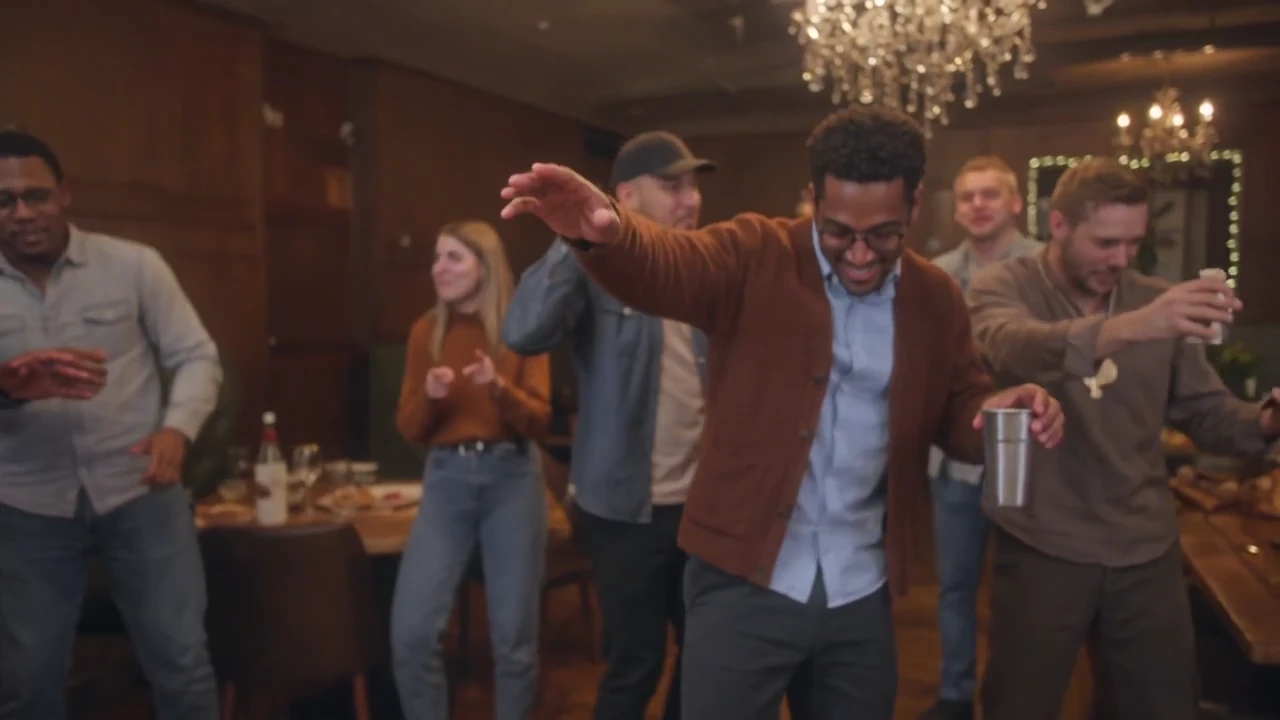
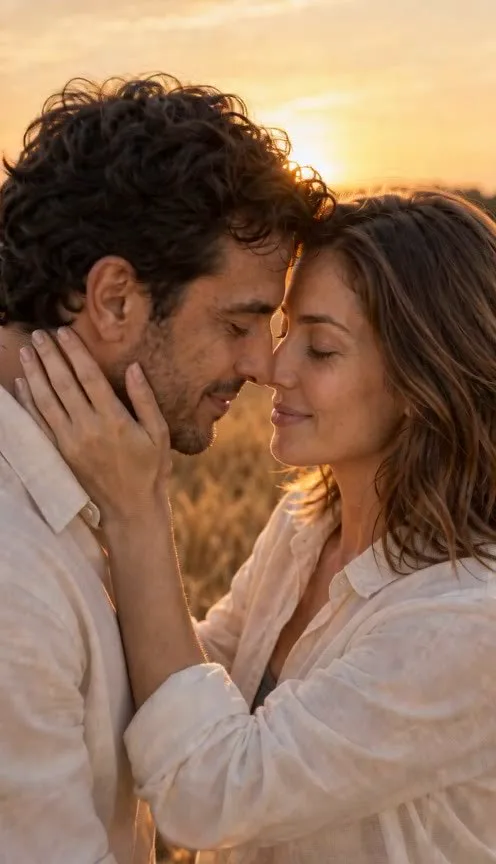
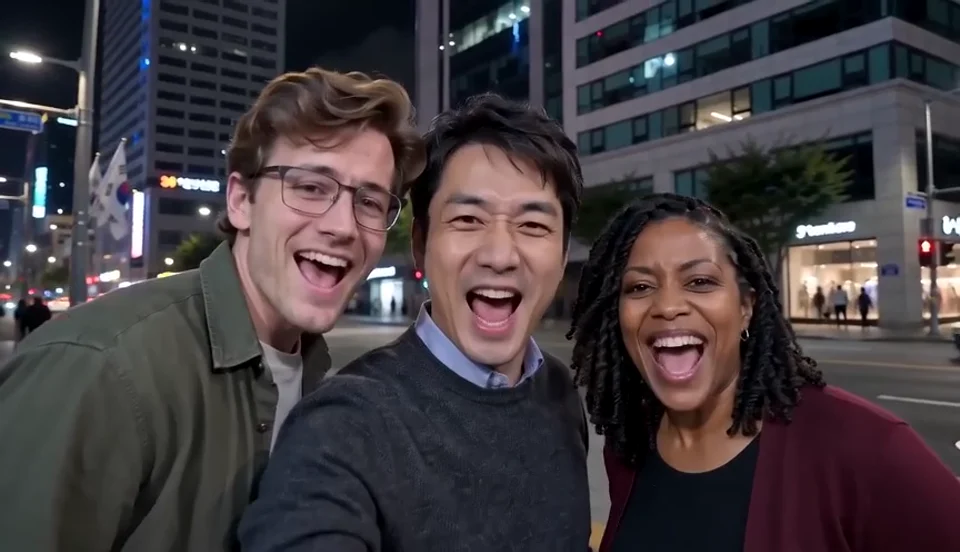
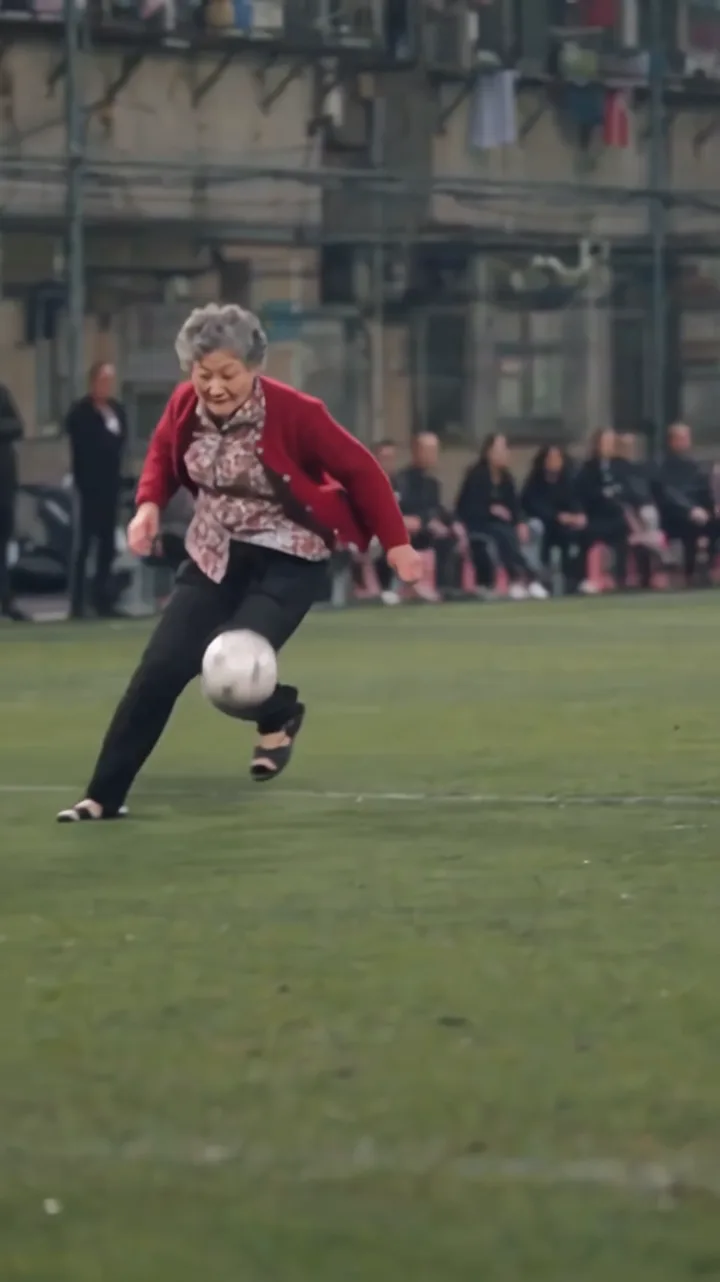
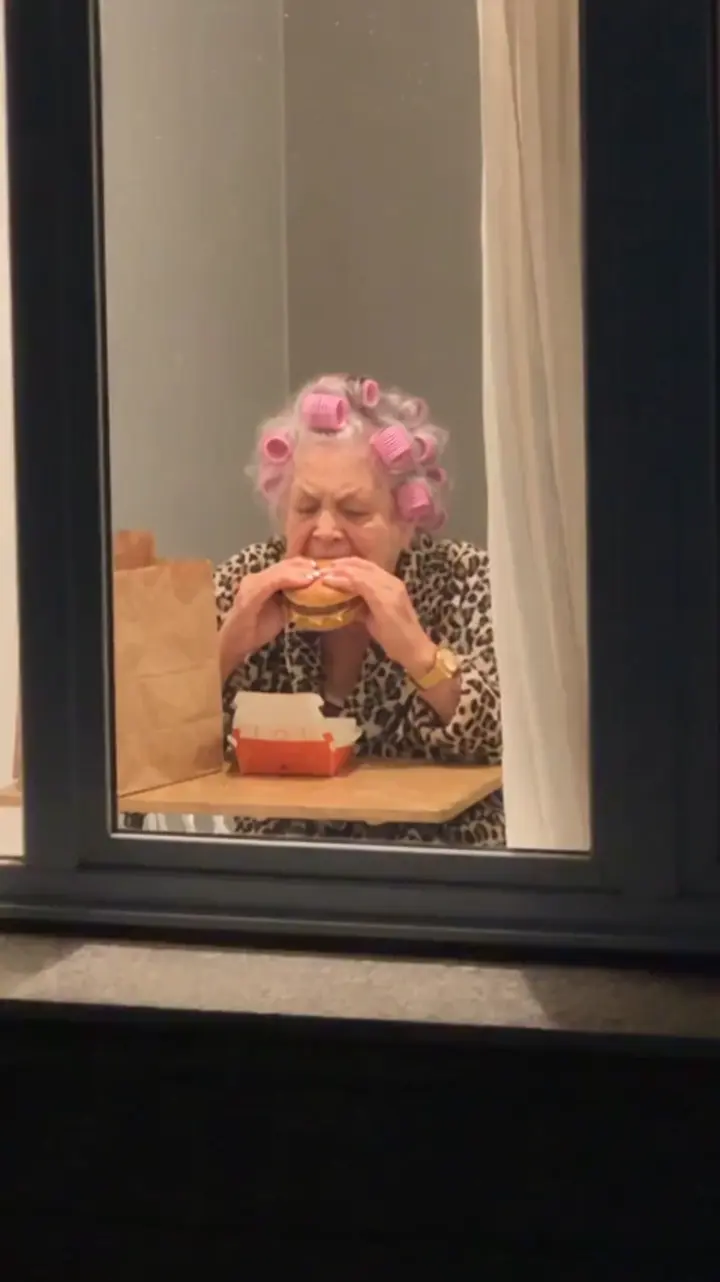
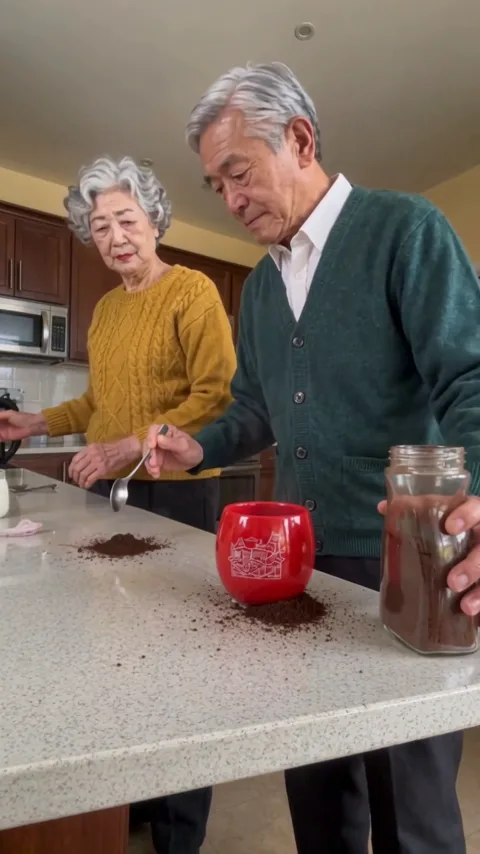
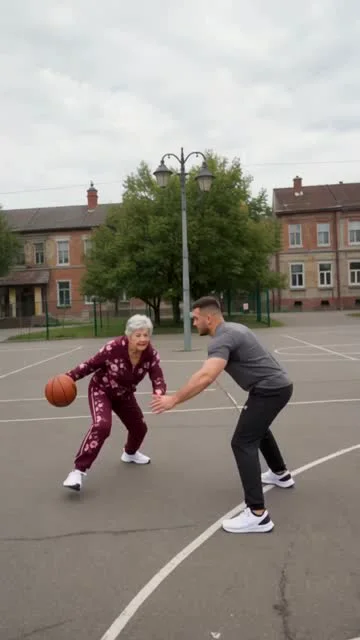
 1–2 photosAI Dunk1–2 photos · 8–12 sec · 9:16 · 10–20 credits (480p–720p)
Meme video maker online
Trending AI Meme Video Effects for Your Photos
Explore AI meme video effects inspired by popular social media trends. Watch examples for free, then add your photos and create your own version with an account and paid credits—no complex prompts or timeline editing.
Browse trending AI meme video effects
From photos to video
Turn your photos into an AI video effect in three steps
Choose a prepared scene, add the required photos, and create a short MP4. The action, setting, and camera movement are already built into the effect, so there is no prompt or editing timeline to figure out.
Pick an effect
Browse memes, dances, sports scenes, and other prepared effects. Each template shows what kind of video it makes and how many photos you need.
Add your photos
Upload clear photos of yourself, friends, or anyone who has given you permission. Follow the photo roles shown in the creator when an effect needs more than one person.
Create your video
Check the exact credit cost on the Create button, then generate your MP4. Video length and orientation depend on the effect you choose.
Find your effect
Choose an effect that fits your photos
Start with who you want in the video, then narrow down the scene. You do not need to compare every template as the collection grows.
Start with the people
Choose a solo effect for one person, or a two-person scene for friends, couples, and other pairings. Check the required photo roles before uploading.
Match the scene to your idea
Pick a meme for a reaction or joke, a dance effect for movement, or a sports scene for an action moment. The prepared setting stays specific to each template.
Check the practical details
Before generating, confirm the required photos, example video, output orientation, and exact credit cost in the creator.
Common questions
AI video effects FAQ
Have more questions? Contact our support team at support@makehit.app and we'll be happy to help.
What are AI video effects on MakeHit AI?
They are prepared video scenes that turn one or more photos into a short MP4. MakeHit AI is not a general editor for adding effects to an existing video.
Do I need to write a prompt or use editing software?
No. Choose an effect and upload the required photos. The scene, actions, and camera movement are already prepared by the template.
How many photos do I need?
It depends on the effect. Some scenes need one person, while others use two or more photo roles. The creator shows exactly what to upload before you start.
Are AI video effects free?
You can browse effects and watch the available examples for free. Generating a video requires credits. Current templates cost no more than 20 credits, and the exact cost appears on the Create button.
What kind of video will I receive?
You receive an MP4. Length, aspect ratio, and visual details vary by template, so check the example and output information before generating.
Can I upload a photo of anyone?
Only upload photos you own or have permission to use. Buying credits does not grant rights to another person’s image. Before posting, also check the platform’s rules for AI-generated content.
What happens if a generation fails?
Failed or blocked generations return their reserved credits automatically. If a finished video has a serious quality issue, you can request a review within 48 hours.
Do I need an account to generate an AI video effect?
Yes. You can browse effects and watch the available examples without an account, but generating a video requires an account and credits. The exact cost appears on the Create button before you submit.
Where can I find my finished video?
You can find your finished video in My Creations. You can close the page while it generates and return later to review or download the MP4.