AI Dunk TrendTurn your photos into a basketball dunk
Browse free10 credits (480p) · 20 credits (720p)
Add one dunker photo, or add separate dunker and defender photos for the two duo plays. Your subjects drive, take off and finish at the rim in one of four court settings, then land into the selected play’s prepared gesture or reaction. Choose Middle Finger Dunk, Dunk on Your Friend or One-Hand Slam Dunk for the exact action. Browsing and choosing options are free; generating one video requires a registered MakeHit account and costs 10 credits at 480p or 20 credits at 720p.
1–2 photos 8/12 s · Audio on 9:16 · TikTok/Reels No site-added watermark
Choose your dunk play, players & court
1Play
2Upload photos
Dunker photo required
Holds the ball
Defender photo required
Required for the duo plays
More settingsOptionalCourt: Auto (match the action)
Optional scene choices. The recommended default is already selected.
Use your own photo or a consenting adult’s. No photos of other minors or public figures.
3Choose video quality
8 sec · 9:16
By generating you confirm you have permission to use the people in your photos. Terms · Privacy
Private job and result · 10 credits · 480p · 20 credits · 720p
THE RESULT
What the AI Dunk video looks like
The dunker begins with the basketball and moves toward the hoop under the selected play’s prepared camera path. Duo versions keep the defender on a separate track through approach and occlusion; the solo version keeps attention on one player. The payoff is the actual ball-hand-rim finish, followed by the prepared landing or reaction and play-specific audio.
1 / 2
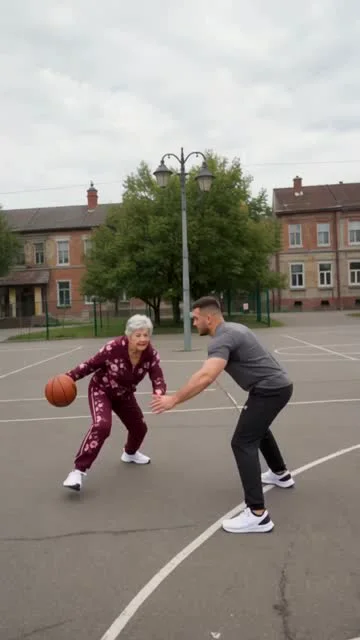
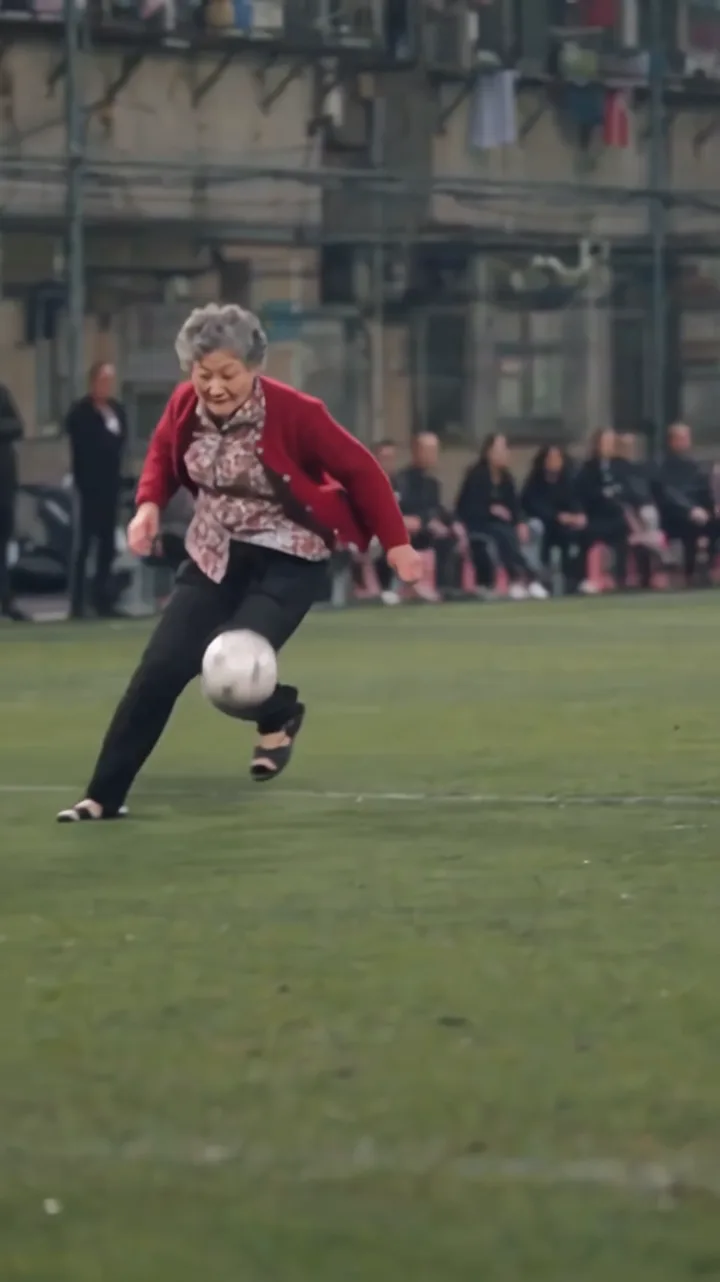
A floral-tracksuit dunker meets a defender outdoors
Middle Finger Dunk · Outdoor community court
Separate dunker and defender photos supply the two roles.
The outdoor example follows the eight-second Middle Finger Dunk version.
Review both identities, the single basketball and hand–rim contact through the finish.
Use only the example that matches your selected play and court, and inspect its inputs and final audio separately.
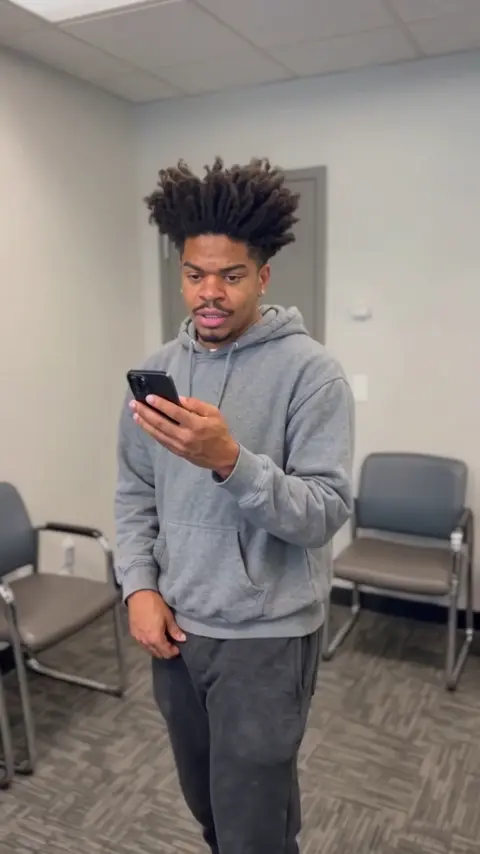
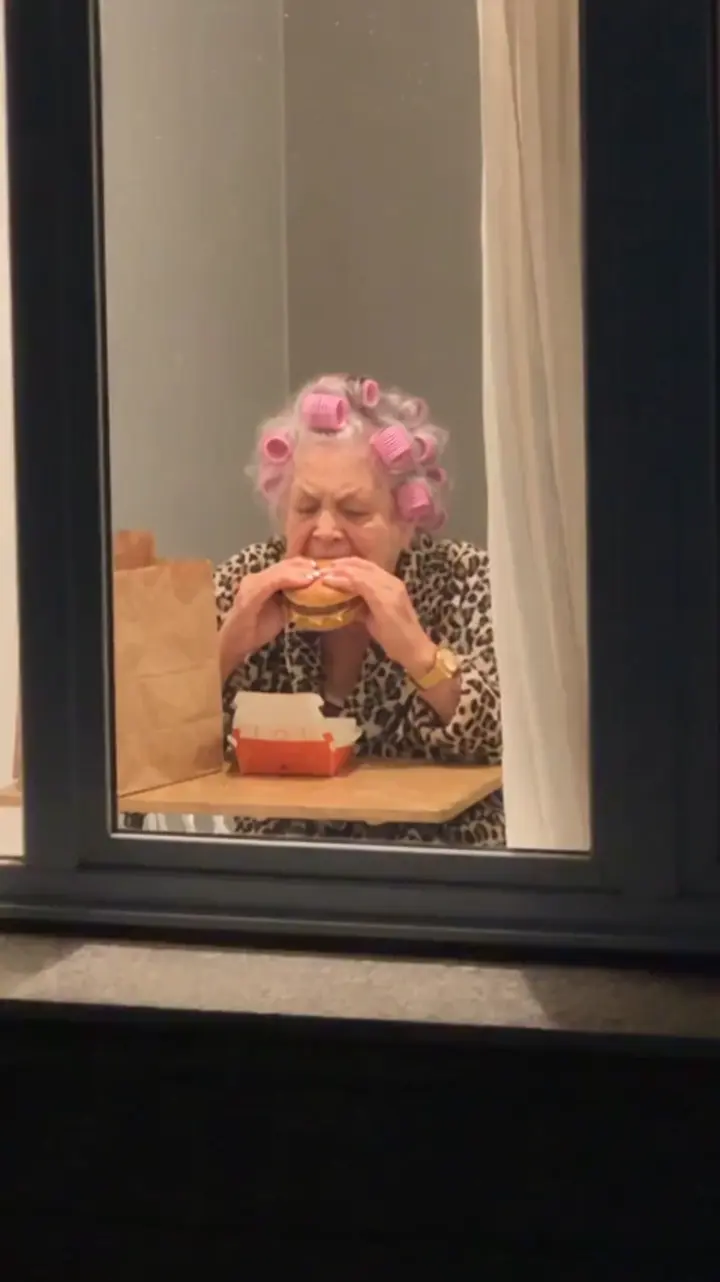
Input · Dunker roleInput · Defender role
Example output. Use authorized photos and review the complete action and relevant permissions before publishing.
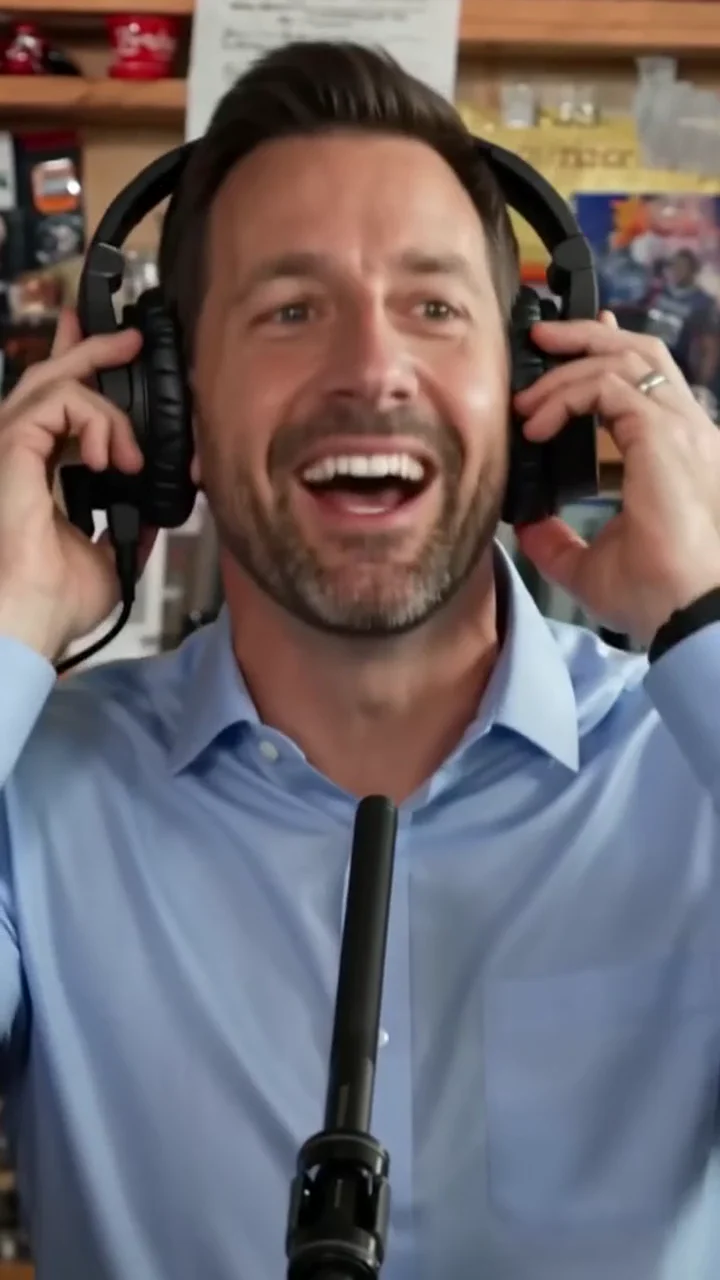
A chef takes the solo play into a pro arena
One-Hand Slam Dunk · Pro arena
One chef portrait supplies the only featured dunker.
The pro-arena example follows the eight-second One-Hand Slam Dunk version.
Visible arena signage needs review; the scene is not guaranteed to be text-free.
Use only the example that matches your selected play and court, and inspect its inputs and final audio separately.
Input · Dunker role
Example output with visible arena signage. Inspect marks, player anatomy, ball contact and audio before reuse.
THREE STEPS
How to make an AI Dunk video
Select the action first because it determines how many people you need and which duration and prepared audio apply.
01
Choose a play & assign roles
Add one clear dunker for One-Hand Slam Dunk, or separate dunker and defender photos for the two duo plays. Keep one authorized person per image and do not combine both duo roles into a group upload.
02
Select court & quality
Choose Auto, Pro arena, Office gym or Outdoor community court, then select 480p for 10 credits or 720p for 20. Verify play, role order and court together.
03
Download & post
Review the drive, gather, dunk and reaction. Check role identity, anatomy, one continuous ball, rim geometry, court signage and the play-specific audio before downloading or posting.
PHOTO & ROLE CHECKLIST
Which photo works best?
Middle Finger Dunk
Input & role order
Two photos: dunker first, defender second for Middle Finger Dunk.
Compose the shot
Show one person per photo with a clear face, full body, hands, legs and outfit.
Avoid
Avoid group shots, hidden identifying features, motion blur and beauty filters.
Dunk on Your Friend
Input & role order
Two photos: dunker first, the friend playing defender second for Dunk on Your Friend.
Compose the shot
Different faces, silhouettes and outfits keep the dunker and friend distinct.
Avoid
Avoid group shots, hidden identifying features, motion blur and beauty filters.
One-Hand Slam Dunk
Input & role order
One photo for One-Hand Slam Dunk: the solo dunker only.
Compose the shot
Solo: show the dunker’s face, full body, hands, legs and outfit clearly.
Avoid
Avoid group shots, hidden identifying features, motion blur and beauty filters.
Every upload
Use sharp, well-lit, forward-facing or slightly angled full-body photos; avoid blur, cropped limbs and group shots.
SOURCE TIMELINE
Where the AI Dunk trend came from
A night-court drive by @dihanator4000 kicked off the "Bro did an emote mid dunk" gag on October 19, 2026, pulling 1.2M plays and 127K likes while commenters roasted it as a "mid layup*". One day later, @teuteuf6's AI remake "Mon prime 1v1 basket" jumped to 1.4M plays and 91.9K likes by swapping in a spiky-haired character flashing the closing finger.
@dihanator4000 posts the night-court mid-dunk emote
Set to "original sound - Lil $kam", @dihanator4000's drive reaches 1.2M plays, 127K likes, and 38K shares with the sticker "Bro did an emote mid dunk". TikTok · @dihanator4000
@teuteuf6 posts "Mon prime 1v1 basket" AI dunk
The AI-labeled remake draws 1.4M plays, 91.9K likes, and 712 comments, led by @teuteuf6 joking "Quand j’avais la crête de punk j’étais injouable". TikTok · @teuteuf6
Milestones trace @dihanator4000 and @teuteuf6 TikTok uploads from October 19–20, 2026 along with their original sound pages.
PROMPT
AI Dunk prompts for three dunk plays
Choose the guide for your play, use one clear authorized photo per required role and select a court. These optional starting points explain what to preserve and inspect; MakeHit supplies the prepared motion and audio.
Use Image1 only for the dunker and Image2 only for the defender. Preserve each person’s face, hair, proportions and clothing on separate player tracks from the first frame through the last. The dunker keeps one basketball, drives, takes off and completes the prepared Middle Finger Dunk action; the defender never holds the ball. Preserve the Middle Finger Dunk prepared motion reference’s camera, orientation, hoop and backboard relationships, landing and taunt/reaction context. Apply only the selected court and prepared Middle Finger Dunk audio. Do not merge identities, exchange clothing, add people or substitute the other play’s motion.
Dunk on Your FriendDunker + defender photos · 12 seconds · any supported court
Create the longer prepared two-person play with Image1 permanently assigned to the dunker and Image2 to the defender. Keep both players anatomically complete, especially arms and hands through close approach and occlusion. The dunker alone controls one continuous basketball and completes the Dunk on Your Friend dunk; the friend/defender maintains a separate identity and never receives the ball. Follow the Dunk on Your Friend camera and action timing for the full 12-second structure, apply only the chosen court, and mix the Dunk on Your Friend audio track. Do not shorten it to eight seconds or merge the two players’ features or clothing.
One-Hand Slam DunkDunker photo only · 8 seconds · any supported court
Use one uploaded identity for the only featured player in the prepared solo One-Hand Slam Dunk action. Preserve that person’s face, hair, build and clothing while they control one ball, gather, take off and complete a one-hand slam under the One-Hand Slam Dunk camera framing. Keep the basketball, shooting hand, rim and backboard physically coherent through the finish and reaction. Apply only the selected court and prepared One-Hand Slam Dunk audio. Do not add a featured defender, another dunker, a second ball or Middle Finger Dunk’s taunt structure; inspect any arena signage instead of promising a text-free scene.
PRICING
How many credits does AI Dunk cost?
Every play and court uses the same quality tiers: 10 credits for 480p and 20 for 720p. Dunk on Your Friend's longer duration does not add a separate listed surcharge.
480p10 credits9:16 vertical · 8 or 12 seconds by play · Review role assignment, the complete dunk and court continuity at the 480p tier.
720p20 credits9:16 vertical · 8 or 12 seconds by play · Inspect hands, ball, rim, faces and signage at 720p resolution.
Selecting the authorized photo, actual mode, supported setting and quality prepares the job without itself starting generation Review the exact selected credit total on Generate before submitting a job Correct invalid inputs, rights problems or failed quality checks before any retry. Neither tier includes slow-motion control or licensing, and neither guarantees error-free player physics.
ACTION MAP
AI Dunk, second by second
Select a play to review its own full sequence. The phase labels avoid invented frame-accurate times; the current video durations are 8 seconds for Middle Finger Dunk and One-Hand Slam Dunk, and 12 seconds for Dunk on Your Friend.
Time
Beat
What should happen
Drive
The dunker approaches the defender with one basketball.
The two assigned players enter the prepared night-court face-off without exchanging roles.Check the dunker/defender order, distinct outfits and single ball before the crossover.
Crossover & takeoff
The dunker crosses over and rises past the defender.
The prepared action carries the dunker into the airborne taunt while the defender stays on a separate track.Inspect hand shape, legs and both identities through the fast gesture and body overlap.
Rim finish
The airborne play resolves into the dunk.
One hand, one ball and the hoop must remain coherent through the actual rim action.Do not accept the airborne taunt alone as proof of a completed dunk.
Landing & reaction
The dunker lands into the prepared camera-facing reaction.
The 8-second play closes with its own taunt/reaction and prepared audio rather than another play’s ending.Review the final identities, court, gesture, signs and sound together.
CHOOSE A PLAY & COURT
Which AI Dunk version should you use?
Middle Finger Dunk
BEST FORA short two-person face-off with a taunting reaction
Upload separate dunker and defender photos, choose any court and review the 8-second result for role separation and the prepared gesture.
Dunk on Your Friend
BEST FORA longer friendly-rivalry setup with both identities required
Assign two authorized people and review the full 12-second action. Dunk on Your Friend remains available even though an older example is not a reliable quality reference.
One-Hand Slam Dunk
BEST FORKeeping all attention on one unlikely dunker
Upload only the dunker, choose any court and inspect the 8-second one-hand finish without expecting a featured defender.
PROBLEMS
Common AI Dunk problems & fixes
Do not stop at a convincing airborne poster. Most decision-critical failures happen when roles cross, bodies overlap or the ball reaches the rim.
Problem
Likely cause
What to change
The dunker and defender swap faces or outfits
Two identities approach and occlude one another during the duo action.
Use separate photos with distinct silhouettes and clothing, verify role order and inspect the drive through landing rather than the opening alone.
The defender gets the basketball
The duo setup assigns one ball permanently to the dunker.
Reject ball ownership transfer and check every handoff-like frame; One-Hand Slam Dunk should have no featured defender at all.
A spectacular jump never becomes a dunk
An airborne pose can hide missing hand-ball-rim contact or broken hoop geometry.
Review the finish in motion and require one ball, plausible hand contact and a visible completed rim action.
Arms or legs multiply at the rim
Takeoff, overlap and camera motion stress anatomy and player tracking.
Inspect the gather, occlusion and landing, especially for Dunk on Your Friend’s longer duo sequence; do not crop past signs of fused hands or players.
The court or duration belongs to another play
Play-specific motion, audio and court selections must survive together through the job.
Verify the selected labels before Generate and check 8 seconds for both eight-second plays versus 12 for Dunk on Your Friend, plus the intended court.
Arena signage or unexpected sound appears
A no-text prompt does not guarantee clean output; the One-Hand Slam Dunk arena example contains visible signage, and prepared audio is mixed separately.
Inspect and listen to the final file, trim or mask any unwanted marks in your video editor, and check all relevant permissions before posting.
POSTING KIT
Sound, captions, hashtags & safety
The most legible caption identifies the play and the unlikely participant while making the generated nature clear. Avoid inventing a real venue, match or endorsement.
Sound & permissions
Each play has prepared template audio mixed after the visual render. Listen to the actual MP4 for cuts and continuity, keep Dunk on Your Friend’s soundtrack distinct from the 8-second plays, and confirm permission for any music or crowd sound you publish.
Prepared audio or dialogue in the template does not by itself clear music, voice, performance or public-reuse rights
Caption ideas
HR said the office gym was for wellness, not this · AI-generated
Grandma versus the coach: outdoor-court edition · AI remix
My friend picked defender and immediately regretted it · fictional AI dunk
The chef’s one-hand highlight was not on today’s menu · AI video
Use a visible AI-generated or fictional-remix label and platform disclosure tools where required; do not manufacture real sports achievements, endorsements or news footage.
Use consenting people, avoid humiliating or harmful impersonation, and separately assess likeness, reference footage, music, team, league and arena-mark rights before commercial use.
FAQ
AI Dunk questions, answered
These answers focus on edge cases that a basic play-and-price summary does not settle. For account or billing help, contact support@makehit.app. support@makehit.app
Start with the dunker, add a defender for either duo play, select any of four courts and review the complete drive-to-rim action, signage and prepared sound before sharing.