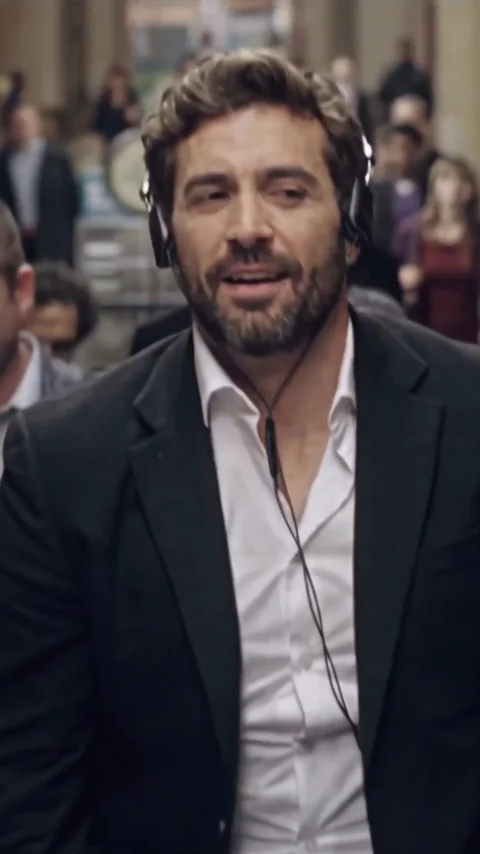
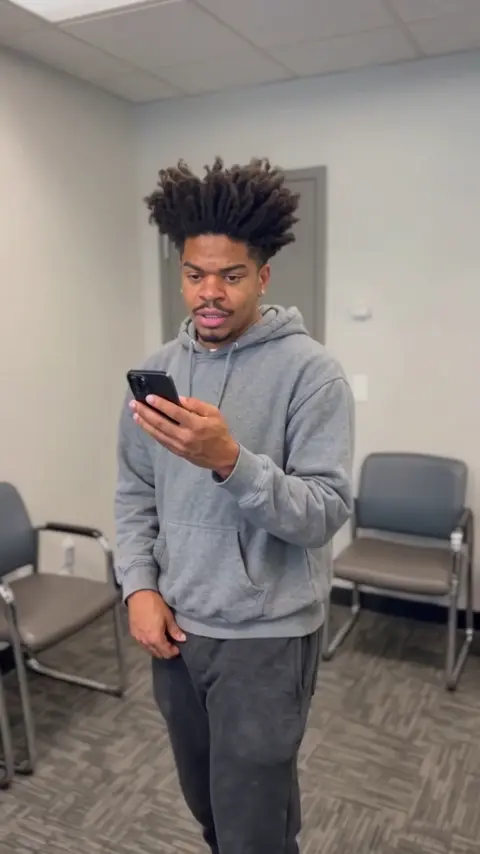
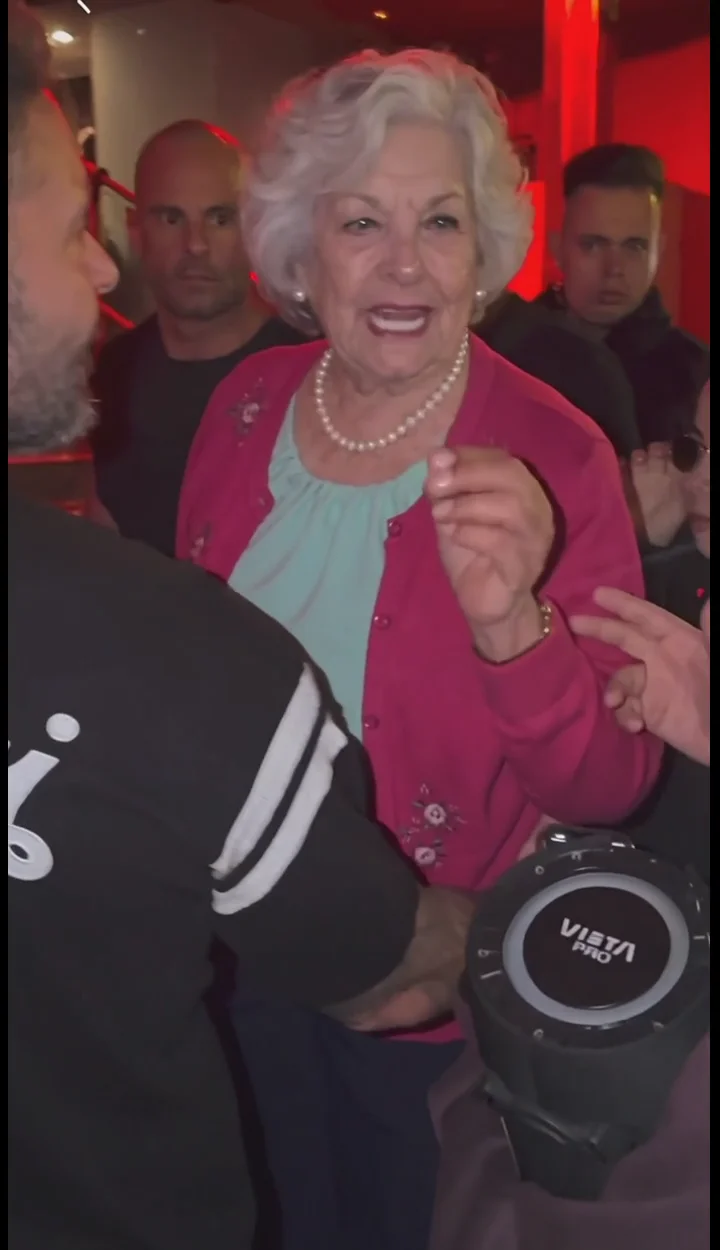
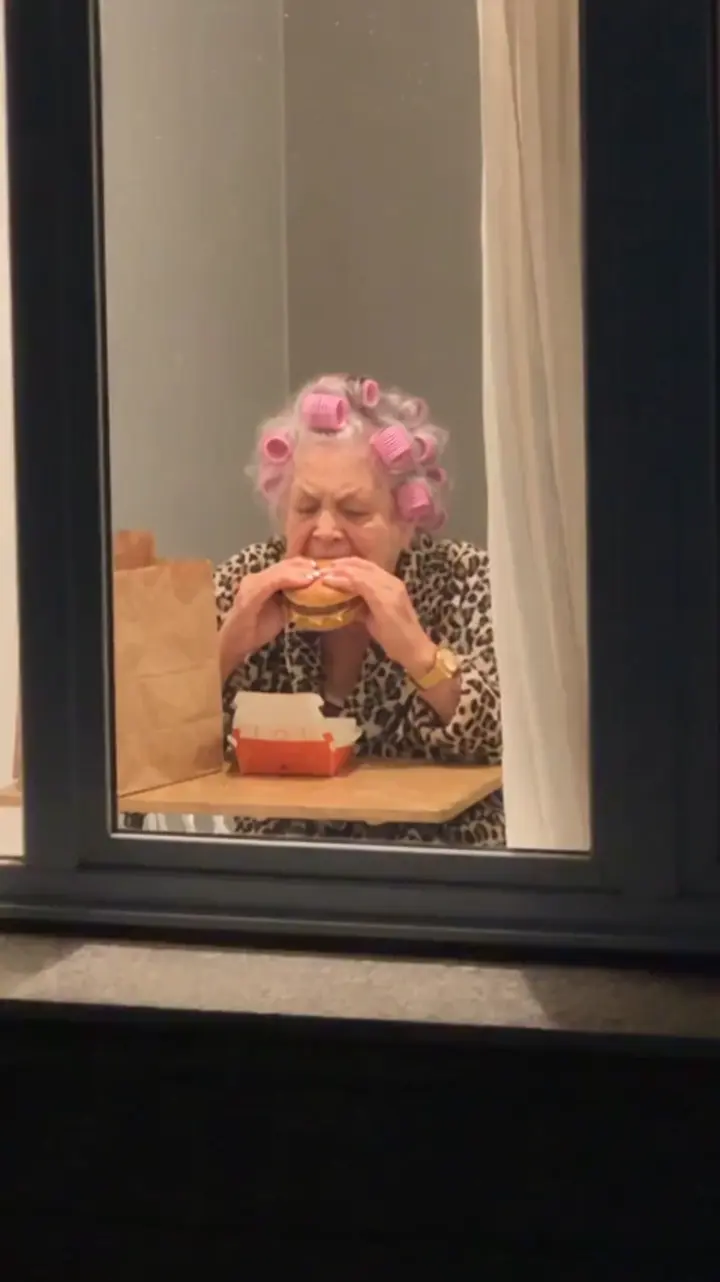
Tweenslop AI TrendPut your photo into the full rainbow-copy edit
Browse free10 credits (480p) · 20 credits (720p)
Upload one authorized person, pet, or object. MakeHit maps it through the inspected 15.25-second reference: a small portrait on black, elastic close-ups, a sky-and-hill spin, white flashes, pixel-star rainbow flights, and two three-copy exits.
1 primary photo 15.25 s · Audio on 9:16 · TikTok/Reels No site-added watermark
Make your Tweenslop video
1Cast
2Upload photos
Authorized adult full-body photo required
Add more photos for better consistencyOptionalUse other angles of the same subject. Add up to 4 photos.
Same-identity angle 1 Optional
Same-identity angle 2 Optional
Same-identity angle 3 Optional
Same-identity angle 4 Optional
Use your own photo or a consenting adult’s. No photos of other minors or public figures.
3Choose video quality
15.25 sec · 9:16
By generating you confirm you have permission to use the people in your photos. Terms · Privacy
Private job and result · 10 credits · 480p · 20 credits · 720p
THE RESULT
What the Tweenslop video looks like
The reference starts as a framed photo, grows into an elastic close-up, tilts out of a simple landscape, and returns as one then three sideways rainbow copies. Later flashes bring the portrait back before a second rainbow run and three-copy finish.
1 / 2
The color-block portrait joins the rainbow parade
One adult full-body photo; up to four same-person angles.
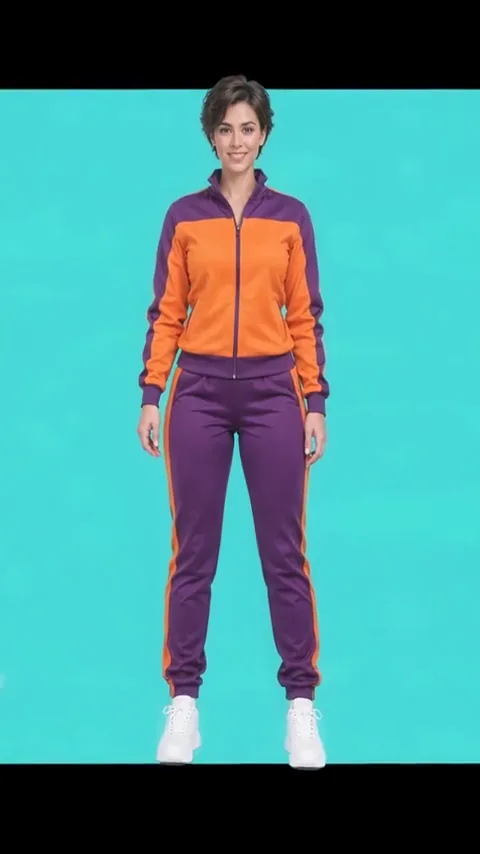
Keep the uploaded person’s face, hair, and color-block outfit clear across every close-up and flash.
Verify the sideways cut-out stays human and splits cleanly into three lane copies.
Review point: face stability, clean 6-band rainbow trail, no snow-leopard bleed, and synced 15.25s audio.
Input · Human subject
This completed MakeHit-generated example is bound to Human mode and the fixed color-flash stage at 480p. It demonstrates one retained result, not the outcome for every photo.
The family dog becomes a tiny rainbow comet
One owned pet photo with head, torso, legs, paws, and tail visible.
Keep the pet’s species, coat markings, and natural four-legged anatomy intact across every bounce and flash.
Verify the three lane copies stay distinct animals without invented human faces or extra limbs.
Review point: coat & anatomy fidelity, 3-lane copy count, zero leopard artifacts, and synced 15.25s audio.
Input · Pet subject
This completed MakeHit-generated example is bound to Pet mode and the fixed color-flash stage at 480p. It demonstrates one retained result, not the outcome for every photo.
THREE STEPS
How to make a Tweenslop video
Choose the mode from what the photo actually contains. The template already carries the shot order, so the main work is supplying a clean subject and checking that every small copy remains yours.
01
Upload one readable subject
Use an authorized adult, owned pet, or original object. Keep the face, body, paws, or object edge fully visible against a simple background.
02
Choose the matching mode
Human protects a person’s identity, Pet protects species and anatomy, and Object preserves shape and material without inventing a face or limbs.
03
Generate and review
Select 480p or 720p. Review the complete 15.25 seconds: portrait, sky tilt, both rainbow runs, every duplicate, audio, and final download.
PHOTO GUIDE
Which photo works best?
Human
Input & role order
One authorized adult full-body photo; optional 1–4 additional angles of the same person.
Compose the shot
Front-facing clear face, hair, clothing silhouette, and limbs against a clean contrasting background.
Avoid
Other people in frame, cropped heads, heavy beauty filters, strangers, minors, or public figures.
Pet
Input & role order
One clear photo of an owned dog, cat, or pet (single photo only).
Compose the shot
Eyes open with head, torso, legs, paws, and tail clearly separated from the backdrop.
Avoid
Occluded paws or tail, multiple animals in one photo, busy grass/carpets matching coat colors, or motion blur.
Object
Input & role order
One original toy, handmade prop, snack, or drawing (single photo only).
Compose the shot
Complete clean outline, distinct colors, and readable surface texture in sharp focus.
Avoid
Protected cartoon characters, brand logos you do not own, clutter behind edges, or dark silhouettes.
Every upload
Sharp focus, even lighting, and a plain contrasting background (JPG, PNG, WEBP, or HEIC up to 10 MB).
Keep one single subject centered with breathing room around head, paws, or edges for scaling and tilting.
THE ORIGIN
Where the Tweenslop meme came from
“Tweenslop” began as a critical label for rushed, software-tweened animation, then became an intentional style. The reviewed evidence shows several influential branches, not one proven inventor or first post.
CheezeDibbles-style anchor
@wombadal’s snack-can animation is the earliest dated item in the inspected core sample. It uses product cut-outs, repeated figures, diagonal motion, and a short rhythmic track. Its public metadata showed 20.7 million plays and 3 million likes when collected on November 15, 2026; that still does not prove absolute origin.
The style moves into remixes
@brian.boy1 published a CheezeDibbles-style remix built from the same visual language. Its public snapshot showed 2.3 million plays, evidence that the style was spreading beyond one account.
“Tweenslop” becomes the punchline
@yashi.dark contrasted restrained tweening with an exaggerated “Tweenslop” section. Its public snapshot showed 4.7 million plays, making the label itself part of the joke rather than only a criticism.
The rainbow-copy reference
@ekppp’s snow-leopard edit is the specific 15.25-second reference for this template. Its public metadata showed 1.4 million plays on November 15, 2026. The clip supplies the portrait, flash, rainbow, pixel-star, and three-copy order; the uploaded subject is the only identity intended to replace it.
What is fixed and what changes: your authorized photo supplies the only person, pet, or object identity. The captured reference supplies the shot order, digital framing, flashes, field colors, stripe wipe, rainbow paths, and copy count. The reference does not grant permission to reuse its animal, watermark, or audio outside the applicable rights.
Full cultural timeline, creator variants & audio rights:
Each guide below preserves the complete visible shot order while changing only the subject. The one-tap MakeHit flow applies its own validated configuration, so you do not need to paste a prompt here.
HumanOne authorized adult; clear face and complete silhouette
Recreate the captured 15.25-second reference choreography shot for shot, replacing the snow leopard with the authorized adult in the uploaded image. The same person must remain recognizable in every close-up, sideways flight, and duplicate: preserve face shape, eyes, nose, mouth, skin tone, hair, clothing, limbs, and body proportions. Start with a small framed portrait on black that grows and bounces. Move into a large frontal close-up against muted gray foliage, then a cyan-sky and green-ground frame that tilts into a full white flash. Rebuild the person as one flat sideways cut-out moving right across muted blue with a six-band rainbow and white pixel sparkles; expand to exactly three differently sized copies on top, middle, and bottom lanes. Return to one frontal close-up through olive, purple, white, peach, pink, and striped treatments. Use a vertical stripe wipe and a second rainbow pass, then finish with three right-moving copies as the field changes green, tan, red, and purple. Keep the digital camera framing and black bands of the reference. Never reintroduce the leopard, fur, ears, paws, watermark, captions, logos, extra people, a fourth copy, or a new camera move.
PetOne owned pet; head, torso, legs, paws, and tail readable
Recreate the captured 15.25-second reference choreography shot for shot, replacing the snow leopard with the uploaded pet. Preserve the pet’s species, face, eyes, ears, muzzle, coat color, markings, fur length, tail, paws, and natural anatomy in every frame and every copy. Begin with a small framed pet portrait on black that grows and bounces, followed by a large frontal close-up against muted gray foliage. Move to the cyan-sky and green-ground composition, tilt the complete pet cut-out, and transition through a full white flash. Use one natural sideways pet silhouette for the first rightward flight on muted blue, with one six-band rainbow and white pixel sparkles; then show exactly three differently sized copies on separate lanes. Return to a frontal close-up through olive, purple, white, peach, pink, and striped treatments. After the vertical stripe wipe, repeat the rainbow flight and end with three right-moving copies over green, tan, red, and purple fields. Squash and stretch the flat cut-out, not the animal’s anatomy. Never add human hands, clothes, extra limbs, another animal, the reference leopard’s markings, text, logos, or a fourth copy.
ObjectOne original toy, drawing, snack, or object on a plain background
Recreate the captured 15.25-second reference choreography shot for shot, replacing the snow leopard with the uploaded object. Preserve the object’s complete silhouette, material, colors, printed or handmade details, and orientation; do not invent a face, paws, clothing, or a character body. Start with a small framed object on black that grows and bounces, then show a large clean cut-out against the muted gray and cyan-sky/green-ground reference compositions. Tilt the whole object and pass through the full white flash. Reorient the same flat object sideways for one rightward flight on muted blue, with a six-band rainbow and white pixel sparkles, then place exactly three differently sized copies on top, middle, and bottom lanes. Return to one large object through olive, purple, white, peach, pink, and striped treatments. Use the vertical stripe wipe, a second rainbow pass, and three final right-moving copies over green, tan, red, and purple fields. Every copy must keep the same edges and surface details. Add no leopard features, cast, unrelated props, labels, logos, watermark, extra copies, or new scenery.
Pricing & credits
Simple, transparent pricing
Browse examples and choose your photos for free. Generation requires an account and enough credits for your selected quality; compare the current one-time packs and plans below.
480p10 credits15.25s · 9:16 · Vertical draft for reviewing the complete motion
720p20 credits15.25s · 9:16 · Sharper vertical output for final review
The template reserves 10 credits for 480p or 20 for 720p. Explicit failures release the reservation; no automatic paid retry is built into this Tweenslop template.
TIMING MAP
Tweenslop, second by second
This map comes from a complete frame review of the 15.25-second @ekppp source. It describes visible edits, not a claimed beat grid or a transcription of the song.
Time
Beat
What should happen
0–1 sec
Small portrait on black
A bordered upright portrait fades in small at center and begins to enlarge; the source mark is part of the reference, not something to reproduce.Review point: the framed cut-out stays centered cleanly without inheriting reference marks.
1–4 sec
Frontal close-up and bounce
The portrait grows to a large face-forward crop, holds one paw low in frame, and pulses vertically against cool gray foliage.Review point: eyes, outfit or coat details hold steady during fast vertical scaling.
4–6 sec
Sky, tilt, and white flash
The field switches to cyan sky and green ground; the upright cut-out tilts, rotates, and is replaced by a full-frame white flash.Review point: clean sky/hill tilt into the white flash with zero subject morphing.
6–7 sec
First rainbow flight
One small sideways subject moves right on muted blue with a six-band rainbow trail and white pixel sparkles.Review point: horizontal pose matches your subject and trails a crisp 6-band rainbow.
7–9 sec
Three-copy formation
Top, middle, and bottom copies at different sizes continue right as the blue field pulses lighter and darker.Review point: count all three separate lane copies—no fused limbs or extra fourth copy.
9–12 sec
Close-up color sequence
A frontal close-up returns through pink, green, olive-gray, white, and washed-pink treatments, including one strong white flash.Review point: subject returns cleanly from every color flash without reverting to the leopard.
12–14 sec
Stripe wipe and second flight
A bright vertical stripe crosses the portrait and reveals another rainbow composition on a saturated green field with a pale trailing duplicate.Review point: vertical wipe transitions smoothly into the second rainbow pass.
14–15.25 sec
Final three-copy exit
Three copies travel right over tan, red, and purple fields, then continue beyond the right edge as the palette darkens.Review point: final three copies clear the right edge onto a clean dark/cyan finish with synced audio.
CHOOSE A MODE
Which Tweenslop version should you use?
Human
BEST FORSelf-parody, reaction posts, and recognizable outfit edits
Choose one consenting adult with a clear face and readable body outline. Add same-person angles only when they genuinely improve identity coverage.
Pet
BEST FOROwned dogs, cats, and pets with distinctive markings
Show the head, torso, legs, paws, and tail clearly so the sideways flight and tiny copies keep natural anatomy.
Object
BEST FOROriginal drawings, toys, snacks, and handmade props
Pick one object with a strong outline and readable surface details. Avoid protected characters, public figures, or another creator’s art.
THE NAME
Tweening vs. tweenslop
The two words are related, but they do not describe the same thing. One is an animation technique; the other is a changing internet aesthetic and joke about overusing it.
ANIMATION TECHNIQUE
Tweening
Creating the intermediate frames between key poses so an element can move, rotate, scale, or deform smoothly. Tweening can be subtle, polished, and almost invisible to the viewer.
INTERNET AESTHETIC
Tweenslop
A critical label that creators also reclaimed as a deliberate gag: one flat picture is pushed through oversized bends, abrupt zooms, flashes, trails, and copies until the excess becomes the joke.
TROUBLESHOOTING
Common Tweenslop problems & fixes
Do not judge the result from its opening portrait alone. The hardest checks are the sideways form, tiny lane copies, second rainbow pass, and the return from each flash.
Problem
Likely cause
What to change
The face or subject changes
The source is small, blurry, hidden, or visually weaker than the animal in the reference.
Use a sharper primary image; Human mode can add same-person views. Reject any frame that returns to the reference identity.
The pet grows extra limbs
Paws or the body edge are hidden in the source.
Choose a photo with the full torso, legs, paws, and tail visible.
The object melts
The silhouette blends into a busy background.
Use a clean, contrasting background and one object only.
The copies look random
The source has more than one subject or the silhouette is hard to isolate at a small size.
Use one source subject and verify exactly three later copies on separate lanes.
The shot order drifts
The model skips the gray close-up, sky tilt, stripe wipe, or second rainbow pass.
Compare the full result against the timing map; a few flashes or a rainbow alone are not the complete sequence.
The video is uncomfortable to watch
The reference contains full-frame flashes and rapid color changes.
Do not intensify the strobing, and add a visible flashing-lights warning before publishing.
The style is recognizable without pretending there is one official song. Label the AI edit honestly and warn viewers about the flashes.
Sound
There is no single verified Tweenslop song: reviewed creators used different original sounds and short funk or phonk-like edits. Check the complete final mix and use only audio you may publish; analyzing a reference does not transfer music rights.