UNDERWATER SPLASH REVEAL

AI Mermaid TransformationMorph one portrait into a mermaid splash reveal

Browse free10 credits (480p) · 20 credits (720p)

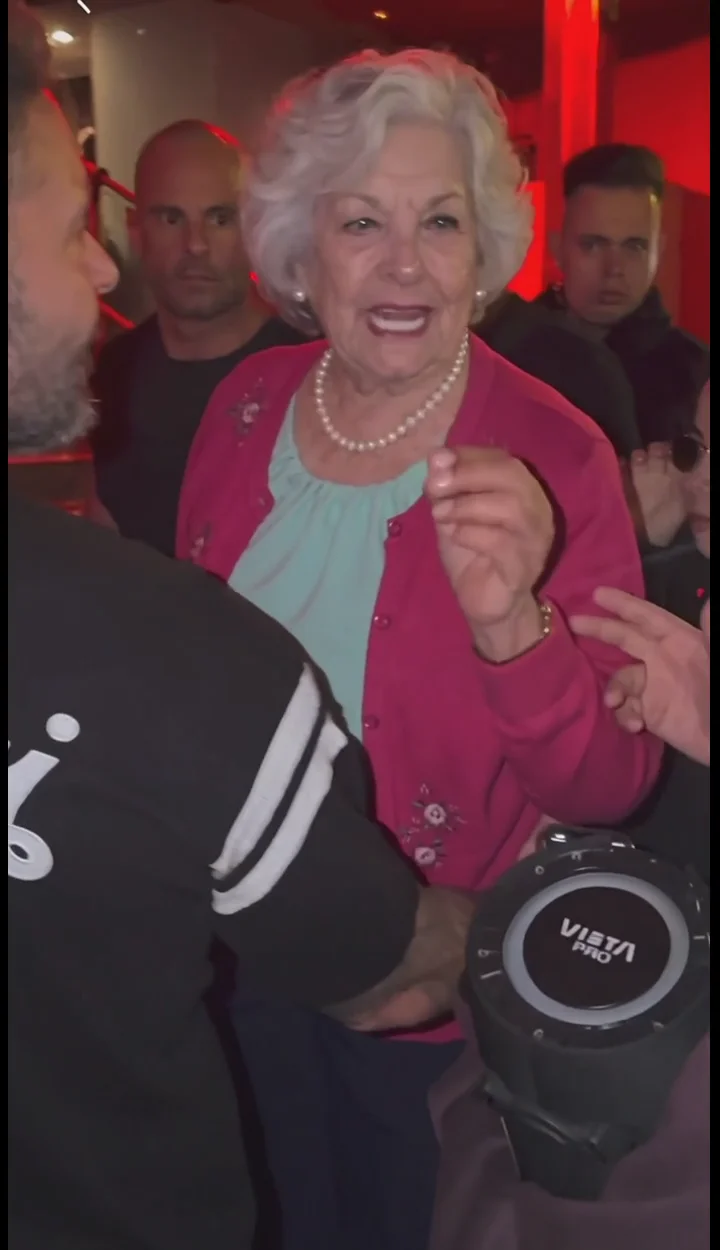
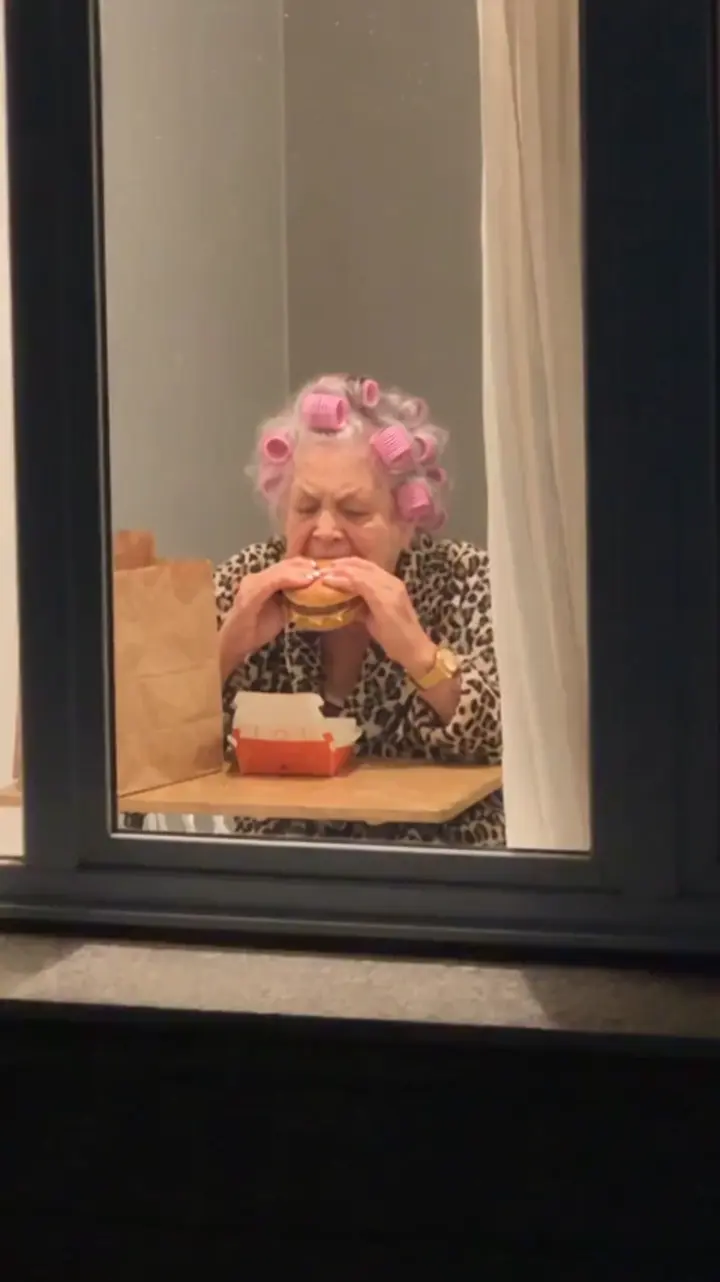
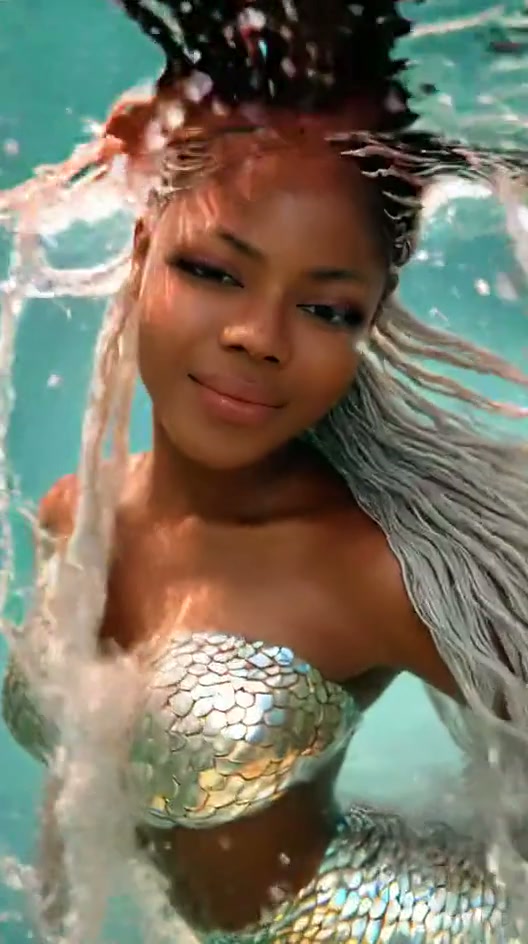
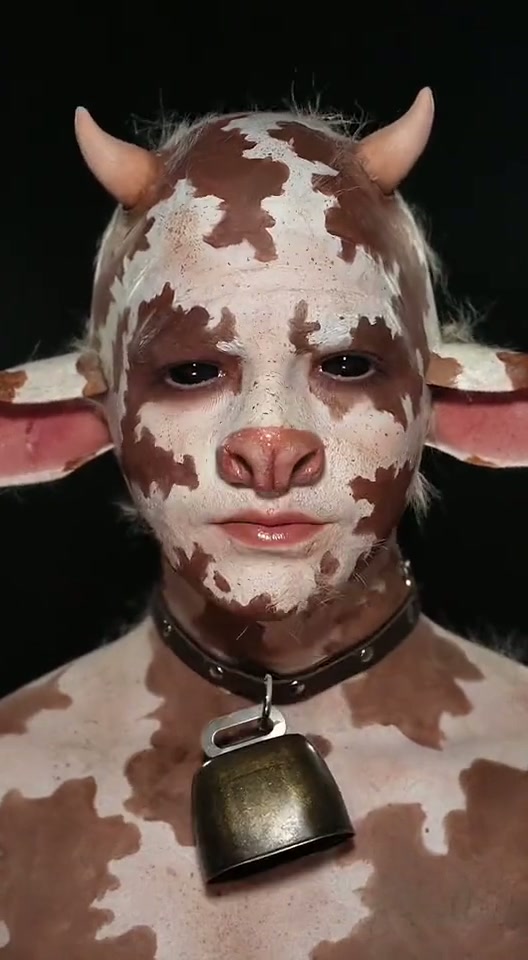
Transform 1 clear portrait in 5 seconds as turquoise water rises over the lens, erupts in bright seafoam, and reveals a shimmering mermaid splash reveal across 5 selectable oceans. Choose from 5 underwater ocean backdrops for free—and cast anyone, including hilarious male merman transformations—into a crisp 5-second splash. Browsing and choosing options are free; generating one video requires a registered MakeHit account and costs 10 credits at 480p or 20 credits at 720p.

1 portrait photo 5 s · Audio on 9:16 · TikTok/Reels No watermark

Make your AI Mermaid video

1Upload photos

Clear portrait photo required

More settingsOptionalEnvironment: Original Turquoise Reef

Optional scene choices. The recommended default is already selected.

Environment

Use your own photo or a consenting adult’s. No photos of other minors or public figures.

2Choose video quality

5 sec · 9:16
Resolution

By generating you confirm you have permission to use the people in your photos. Terms · Privacy

Private job and result · 10 credits · 480p · 20 credits · 720p

AI Mermaid Transformation creator sample preview
THE RESULT

What the AI Mermaid video looks like

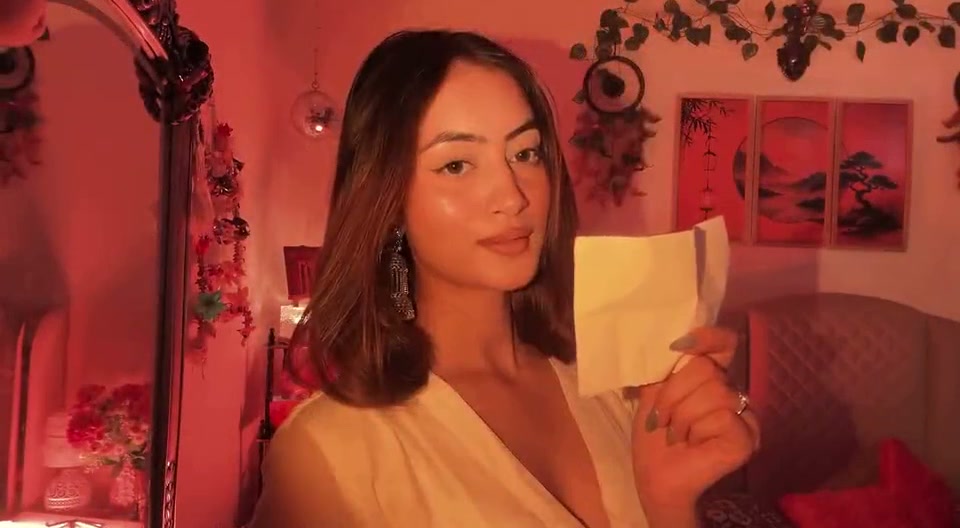
See how the splash burst cleanly bridges the indoor start into an underwater swim across coral light rays.

Trend preview · Original format

AI Mermaid creator sample

1 portrait photo5 underwater scenes9:16 vertical · 5s
  • Close mirror vanity repose as crystal turquoise waterline rises past chin
  • Crisp white aerated foam splash hiding costume transition completely
  • Seamless iridescent gold-and-aqua mermaid scale reveal underwater
  • Submerged hair float & sunlit caustic rays tuned to chosen ocean world

Original third-party splash reference demonstrating 5-second pacing and foam cut; your export swaps in your uploaded portrait and chosen ocean backdrop.

THREE STEPS

How to make an AI Mermaid video

Get full underwater scale physics in 5 seconds right in your browser without CapCut, Dreamina prompts, or TikTok AR limits.

01

Upload one close-up portrait

Add a sharp, straight-on portrait with open eyes and clear shoulders (JPG, PNG, WebP, or HEIC under 10 MB)—works great for both mermaids and bearded merman parodies.

02

Pick 1 of 5 ocean worlds & quality

Tap through all 5 ocean thumbnails for free, then run 480p (10 credits) to check splash face lock or 720p (20 credits) for fine caustic light rays.

03

Download & post

Inspect face clarity right after the white bubble wipe and verify a single unified fish tail, save your 5-second MP4, and post with AI labels enabled.

PHOTO GUIDE

Which photo works best?

AI Mermaid Transformation

Input & role order

One clear JPG, PNG, WebP, or HEIC portrait framed chest-up (under 10 MB).

Compose the shot

Sharp straight-on face & open eyes under even light so underwater features emerge crisply after the splash.

Avoid

Dark sunglasses, bulky wide-brim hats, tiny group shots, or blurry dark silhouettes.

Every upload

  • Even face-forward lighting keeps eyes gleaming naturally once underwater caustics appear.
  • Try Bioluminescent Deep Sea or Sunken Crystal Temple scenes for high-contrast comedy with deadpan faces.
ORIGIN

Where the AI Mermaid Filter splash trend came from

The 'TikTok AI Mermaid Filter' exploded in late May 2025—Know Your Meme logged over 5.4M videos in a single week led by @amy_alina1 (5M+ views), @n_kaijeaw's golden retriever clip (11M+ views), and viral glitch reels. In 2026, creators including @clara2.39 (411.5K plays), @baoyibao36 (970.6K plays), and @phan.van.khai6 (298.8K plays) revived the 5-second splash template over sound 7030823458715994886.

  1. Know Your Meme chronicles 5.4M-video first-week surge

    Tracks viral pet/friend transformations & floating-tail glitches led by 10M+ view creators. Public source · knowyourmeme.com

  2. @clara2.39 posts clean mirror-vanity 5s splash loop

    Hit 411.5K plays & 3.3K shares reviving the red-rose mirror splash structure. TikTok · @clara2.39

  3. @baoyibao36 & @phan.van.khai6 top 970.6K & 298.8K plays

    Pushed Ocean Princess AI Mermaid Glow tutorials back onto TikTok For You feeds. TikTok · @baoyibao36

Linked TikTok posts trace the May 2025 5.4M-video AI Mermaid filter explosion and its 2026 underwater resurgence.

PROMPT

The AI Mermaid prompt

MakeHit drives the 5-second water rise, white foam wipe, and 5 selectable ocean environments automatically. Copy this text-to-video script for external prompt experiments.

AI Mermaid1 photo · 5 sea scenes

Vertical 9:16 5-second transformation video across chosen ocean environment (Original Turquoise Reef, Bioluminescent Deep Sea, Golden Sunset Lagoon, Sunken Crystal Temple, or Arctic Aurora Cove). 0.0-1.6s: Subject reclines calmly over reflective vanity surface as crystal turquoise water swells rapidly up past shoulders. 1.6-3.0s: Bright white seafoam splash fills entire frame seamlessly transforming clothing into metallic iridescent mermaid scales. 3.0-5.0s: Foam clears smoothly as subject glides weightlessly underwater with floating hair & caustic rays.

Public replication guidetext-to-video guide9:16
CREDITS

How many credits does AI Mermaid cost?

Exploring all 5 underwater backdrop thumbnails and testing portrait framing stay free before rendering.

480p10 credits9:16 · 5s · Fast splash check verifying post-bubble eyes & single tail attachment.
720p20 credits9:16 · 5s · Crisp HD water caustics, shimmering scales, & glowing bioluminescent particles.

Previewing the 5-second reference clip and toggling between all 5 sea worlds cost zero credits. Your balance deducts 10 or 20 credits only when you press Generate with a photo attached. Incomplete or failed server renders automatically credit back 100% to your balance. Log in to a registered MakeHit account to generate and download watermark-free 5-second MP4s.

BREAKDOWN

AI Mermaid, second by second

Check eye sharpness right at the 3.0s bubble clear so the underwater reveal lands cleanly.

TimeBeatWhat should happen
0.0–1.5sMirror-surface reposeSubject rests comfortably above reflective vanity table beside red rose petals looking cheerfully forward.Check eye sharpness before water rises across chest.
1.5–2.5sRising turquoise waterlineCrystal turquoise ocean water swells upward smoothly right past collarbone and chin.Ensure chin & jawline have zero dark shadows.
2.5–3.5sWhite seafoam splash wipeDense aerated white bubbles fill screen entirely hiding the scale transformation seam.Check clean transition free of hat/sunglasses ghosting.
3.5–5.1sUnderwater mermaid glideFoam parts cleanly revealing iridescent scales & drifting underwater hair inside chosen ocean setting.Review final submerged face likeness & scale sheen.
VERSIONS

Which AI Mermaid version should you use?

Original Turquoise Reef

BEST FORPreserves the sunlit shallow coral reef and bright caustic rays from the viral 5-second TikTok clip.

Pick Original Turquoise Reef when your input photo uses bright warm indoor or daylight tones.

4 Fantasy Ocean Worlds

BEST FORSwitch to Bioluminescent Deep Sea, Golden Sunset Lagoon, Sunken Crystal Temple, or Arctic Aurora Cove.

Pick a custom ocean world for dramatic dark-glow jellyfish contrast, ice caves, or sunken temple ruins.

TROUBLESHOOTING

Common AI Mermaid problems & fixes

Upload a crisp chest-up close portrait instead of distant beach photos. Fix framing or lighting before spending credits.

ProblemLikely causeWhat to change
Mermaid tail appears floating separately behind subjectFull-body wide shots shrunk down let AI detach lower fins from waist posture.Upload a crisp chest-up close portrait instead of distant beach photos.
Eyes look hazy right after white bubble splashTiny cropped pics or dark shades lose eyelid landmarks behind seafoam.Pick a high-res bright portrait looking straight into the lens.
Hair stiffness clashes underwaterHeavy hooded sweatshirts stiffen flowing movement across underwater hair emergence.Wear open collarlines or clean hair-free necklines in your portrait.
Water colors feel too flat on screenOriginal neutral lighting matches reef colors nicely, while evening portraits suit deep blue contrast.Switch scene presets to Bioluminescent Deep Sea or Arctic Aurora Cove for dramatic glow.
PUBLISHING

Sound, captions, hashtags & safety

Short 5-second loops replay well on Reels and Shorts—add an AI disclosure toggle and lighthearted caption.

Synchronized trend audio

Dreamy echoing underwater synth chime surging with the turquoise water splash (measured mean -17.4 dB, max -4.4 dB).

The synced underwater chime is included for organic social clips; verify music rules for paid ads.

Caption ideas

  • Waiting for Bioluminescent Deep Sea glow to claim my serious coworker 🧜‍♂️✨
  • 5 seconds from sofa selfie to Sunken Crystal Temple underwater glide

Hashtags

#aimermaid#mermaidtransformation#aimermaidfilter#oceanprincess#makehit

AI disclosure & safety

  • Upload only photos of consenting adults or yourself—avoid running random influencer or stranger beach photos through transformation tools.
  • Enable TikTok, Reels, or Shorts AI-generated labels so viewers know the underwater dive is synthetic.
FAQ

AI Mermaid questions, answered

Answers on AI Mermaid photo prep, tool differences, credits, & social sharing. support@makehit.app

READY TO CREATE

Make your AI Mermaid video

Turn one portrait into a shimmering mermaid or merman reveal across 5 ocean scenes with zero watermarks.