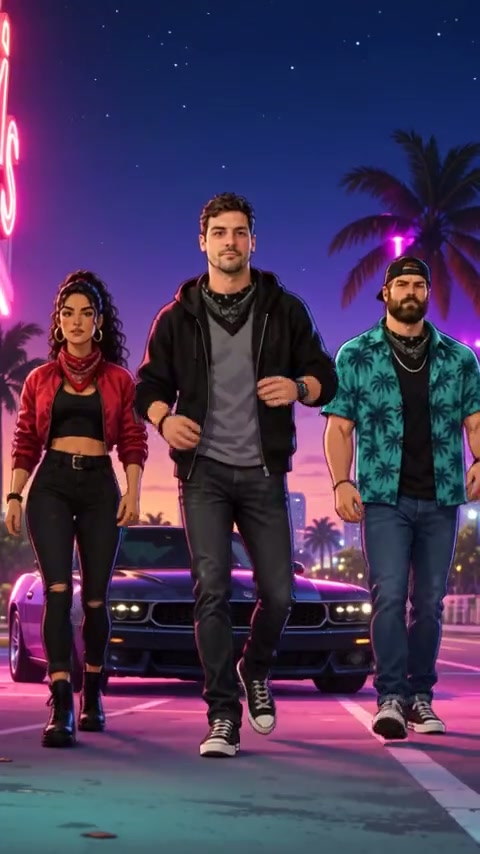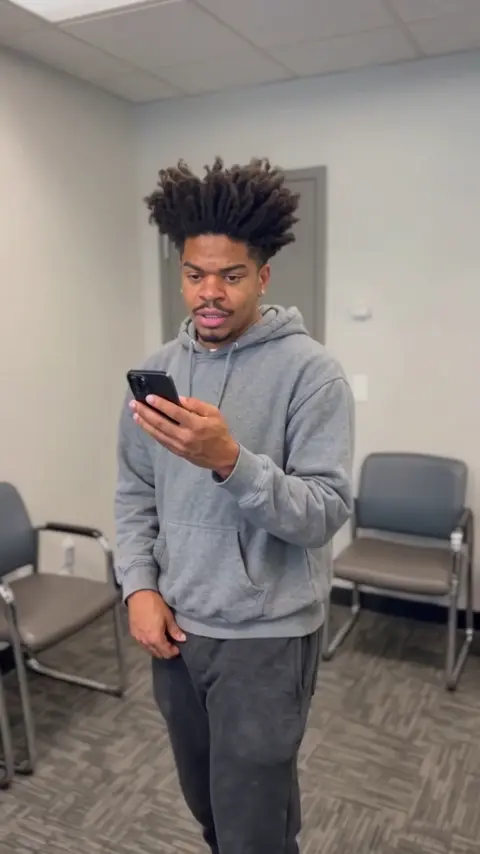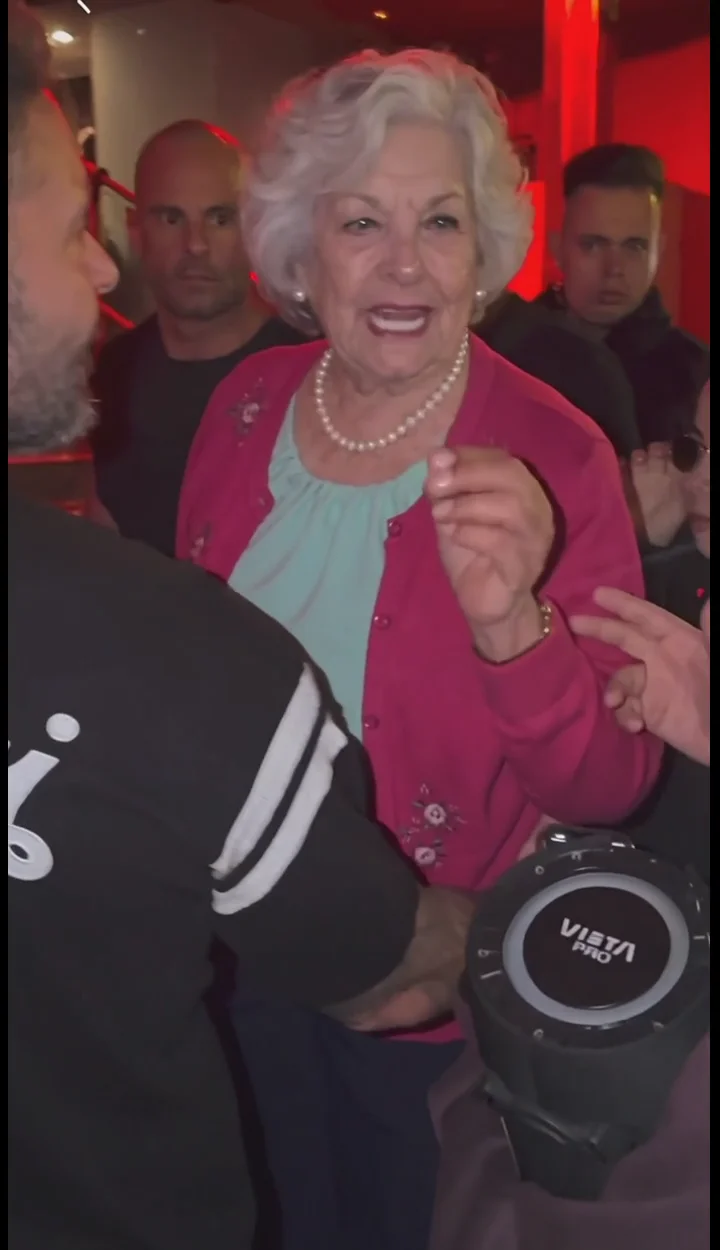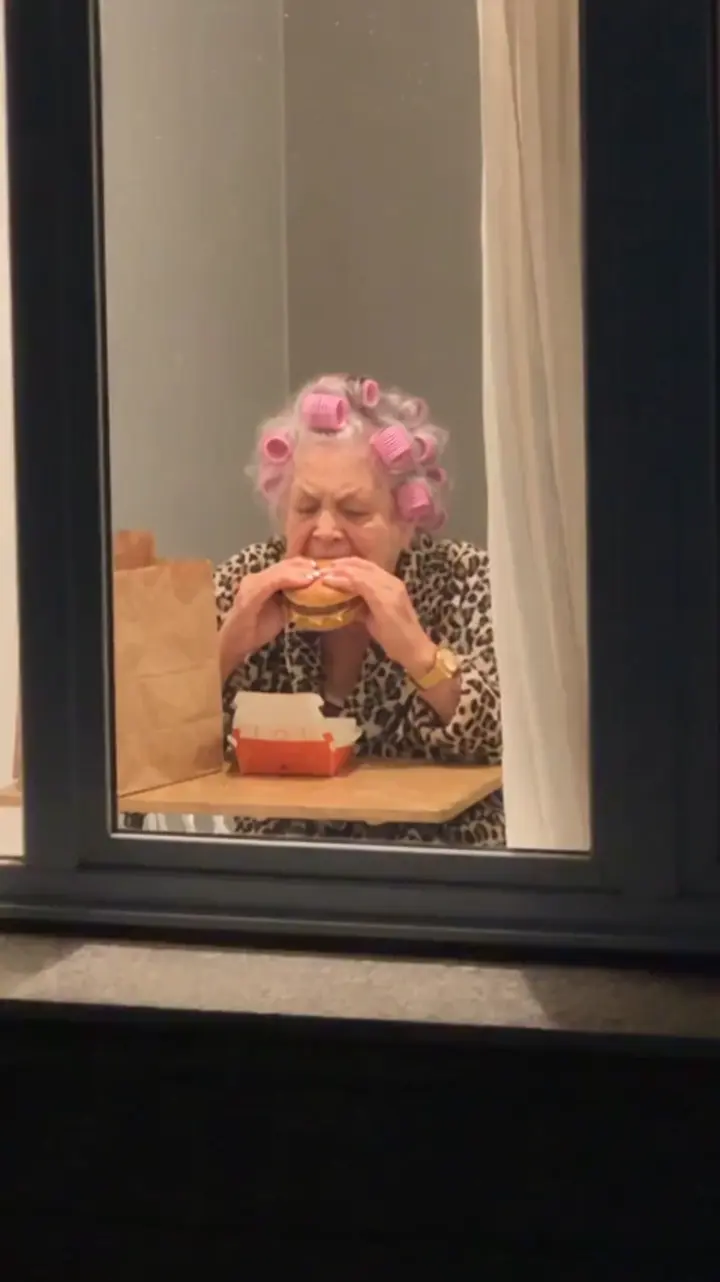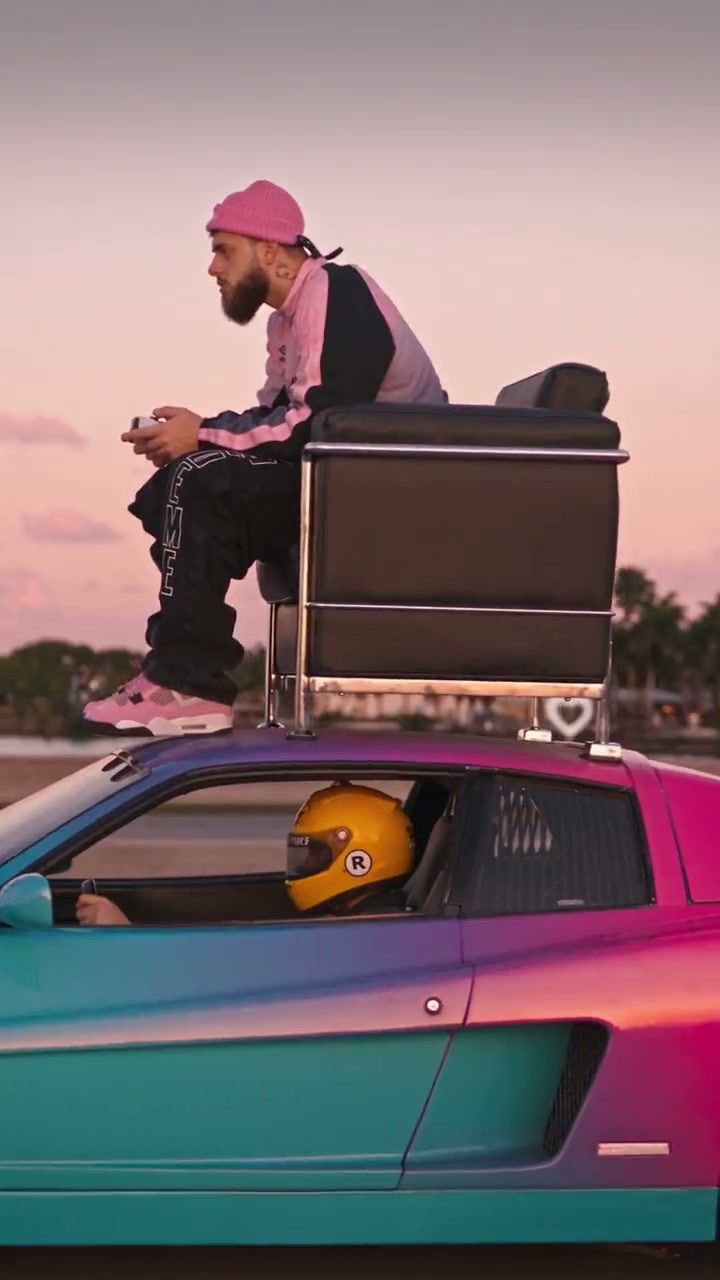
WANTED LEVEL CHASE

GTA 6 Police Chase AI Video GeneratorStar in a siren-lit Vice City street police chase

Browse free10 credits (480p) · 20 credits (720p)

Turn one clear portrait into a 10.00-second 9:16 vertical Vice City street chase with flashing police cruisers and siren audio. Lock your face behind the wheel and mid-pursuit street framing as emergency strobes sweep across palm-lined pavement. Browsing and choosing options are free; generating one video requires a registered MakeHit account and costs 10 credits at 480p or 20 credits at 720p.

1 photo 10s · Audio on 9:16 · TikTok & Reels No watermark

Make your GTA Police Chase video

1Upload photos

Portrait photo required

Use your own photo or a consenting adult’s. No photos of other minors or public figures.

2Choose video quality

10 sec · 9:16
Resolution

By generating you confirm you have permission to use the people in your photos. Terms · Privacy

Private job and result · 10 credits · 480p · 20 credits · 720p

GTA 6 Police Chase AI Video Generator trend preview
THE RESULT

What the GTA Police Chase video looks like

Review the 10.00-second third-party Vice City chase clip to check street pace and flashing patrol lighting.

Trend preview · Original format

GTA Police Chase

GTA Police Chase
  • Fast 10.00s urban pursuit progression & strobe sweep
  • Sharp 9:16 vertical street framing built for mobile feeds
  • Consistent protagonist face across flashing red-blue lights
  • Baked engine roar, siren audio & watermark-free MP4

Vertical five-star street pursuit preview highlights patrol sirens and chase framing; source rights remain unknown and new renders use your headshot.
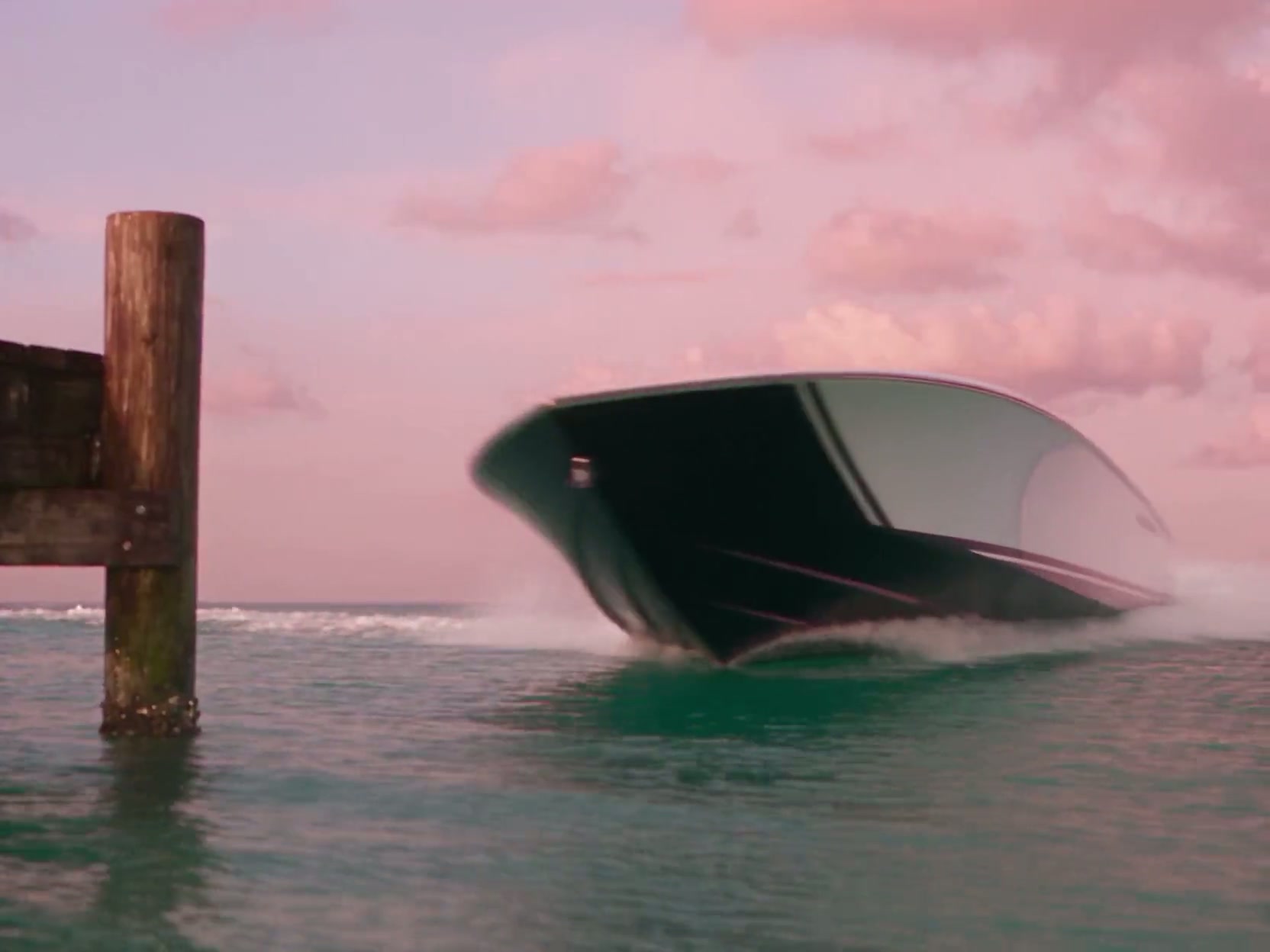
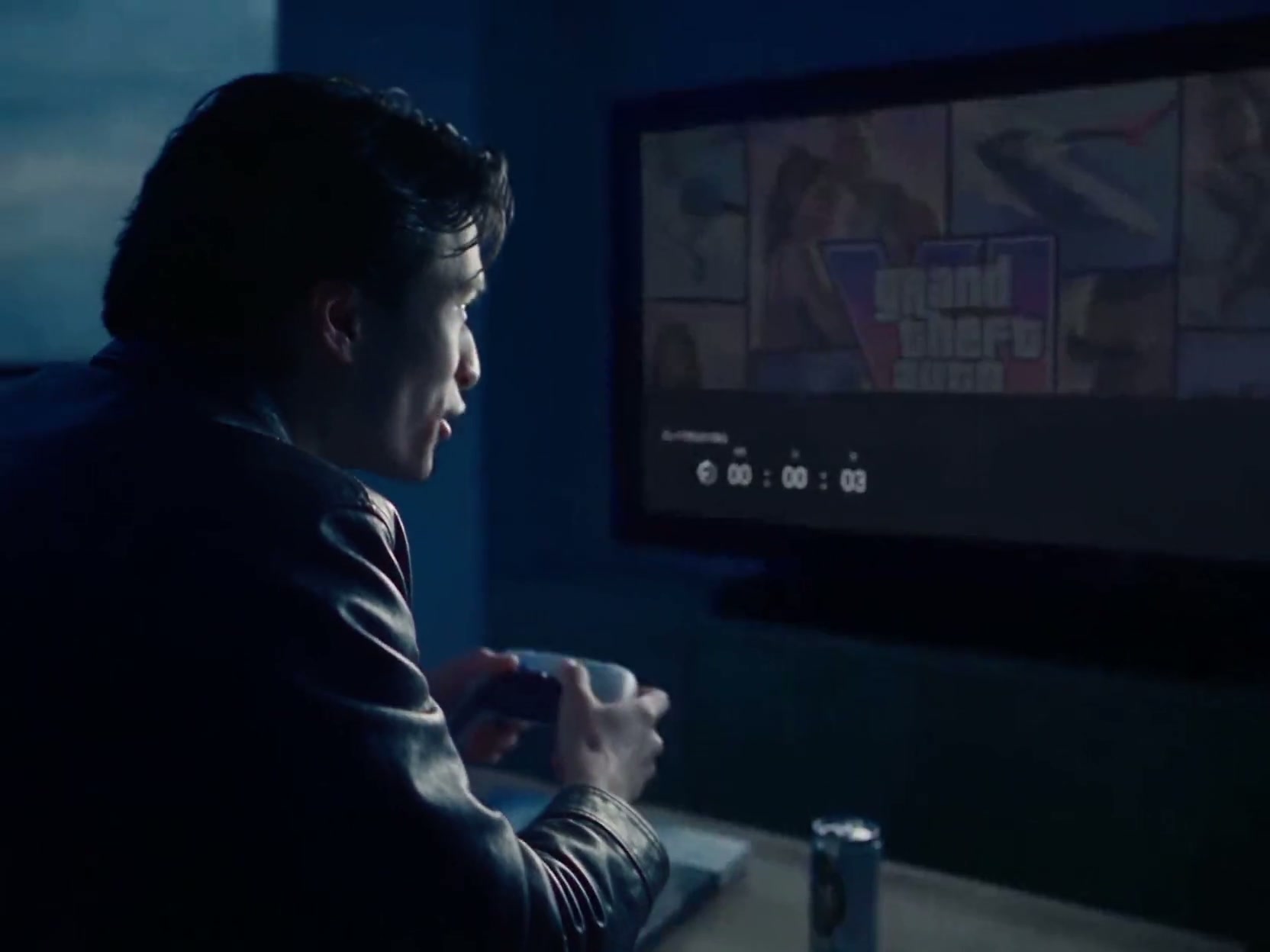
THREE STEPS

How to make a GTA Police Chase video

Cast Portrait photo, select resolution, and export a watermark-free MP4 spanning first siren lock through clean getaway beat.

01

Upload your photo(s)

Upload one bright, unobstructed Portrait photo in JPG, PNG, WebP, or HEIC under 10 MB with clear cheekbones and hair.

02

Pick 480p or HD 720p

Render a quick 10-credit 480p preview to check first siren lock, or choose HD 720p for 20 credits for sharp final exports.

03

Download & post

Review identities through clean getaway beat, save the watermark-free MP4, switch on AI disclosure, confirm music rights, and post manually.

PHOTO GUIDE

Which photo works best?

GTA Police Chase

Input & role order

Portrait photo (required, head & upper chest)

Compose the shot

Neutral daylight or crisp studio portrait without dark shadows so flashing red/blue police strobes illuminate skin naturally.

Avoid

Blurred car selfies, mirrored sunglasses reflecting dashboards, or heavy low-light webcam grain.

Every upload

  • JPG, PNG, WebP, or HEIC up to 10 MB per file
  • One clear intended subject inside each upload slot
  • Clean front angle aligns cleanly with driver & chase cuts
  • Avoid cluttered passengers behind your shoulders
ORIGIN

Where the GTA Police Chase trend came from

Classic five-star GTA wanted-level clips surged in mid-to-late November 2026 as creators recast themselves inside cinematic Miami street pursuits, led by @forbiddengameplay on November 18 (31.3K observed plays) and @wittyfactos on November 23. Fast palm-lined pursuit framing paired with loud siren tension lets any single portrait star in a high-speed Vice City escape without firing up console capture.

  1. @forbiddengameplay reaches 31.3K views with chase scenes

    High-speed urban pursuits and flashing patrol beacons spark waves of 'put me in the driver seat' creator demand. TikTok · @forbiddengameplay

  2. @wittyfactos joins 9:16 mobile pursuit edits

    Short vertical cuts optimize flashing light speed and siren punch directly for phone-first Reels and Shorts feeds. TikTok · @wittyfactos

  3. Fixed street pursuit locks likeness across fast 9:16 cuts

    Replaces clunky CapCut overlays with smooth continuous camera motion and baked police sirens from one portrait. TikTok · @forbiddengameplay

Counts for @forbiddengameplay and @wittyfactos observed November 25, 2026; timestamps correspond to public TikTok posts.

PROMPT

The GTA Police Chase prompt

Follow the standalone visual blueprint below from first siren lock to clean getaway beat without needing slot placeholders.

GTA Police ChasePortrait photo

Vertical 9:16 intense next-gen open-world crime-game action sequence roaring down a palm-lined Vice City boulevard at twilight. 0.0-3.8s: Determined driver grips the wheel inside a sleek sports coupe as red-and-blue emergency strobes flare across sunglasses-free eyes and dashboard mirrors. 3.8-7.2s: Dynamic exterior tracking camera weaves closely alongside speeding traffic while two police cruisers pursue tightly around glowing neon intersections. 7.2-10.0s: Sharp side-window to front-windshield reveal captures fierce focus lit by sirens and warm streetlights. Crisp vehicle geometry, clean facial continuity, zero text or HUD clutter.

Public replication guidetext-to-video guide9:1610.00s
PRICING

How many credits does GTA Police Chase cost?

Verify driver face stability under red-blue strobes at 480p for 10 credits, or upgrade to sharp HD 720p car paint & siren glare for 20 credits.

480p10 credits9:16 · MP4 · Fast preview of 9:16 pursuit velocity & driver likeness under sirens.
720p20 credits9:16 · HD MP4 · High-clarity asphalt reflections, vehicle chassis & eye focus in HD MP4.

Preview chase speed and upload rules completely free before spending credits. Credits authorize when the street chase begins rendering and finalize upon MP4 completion. Automatic refund restores held credits if any pursuit generation errors. Resolution switches video sharpness only; vehicle path, 10.00s timing, and sirens stay locked.

SEQUENCE

GTA Police Chase, second by second

Review the 10.00-second third-party Vice City chase clip to check street pace and flashing patrol lighting.

TimeBeatWhat should happen
0.0-2.5sFirst siren lockEstablishes your cast along palm-lined avenues as squad beacons flash brightly nearby.Check hair and eye contours hold true before rapid street panning.
2.5-5.2sTraffic weave accelerationSpeeds past neon corners while pursuing headlights close distance behind bumpers.Confirm facial identity stays steady against sweeping red-blue lighting.
5.2-7.8sClose pursuit intensityCamera tightens cleanly onto focused getaway expressions amid flying road motion.Watch window edges and jawline so fast light pulses don't soften lines.
7.8-10.00sClean getaway beatResolves sharply in 9:16 vertical motion synced directly to closing siren swell.Preview audio impact and confirm crisp watermark-free output.
PROBLEMS

Common GTA Police Chase problems & fixes

Solve identity flicker, framing slips, and first siren lock hiccups before spending extra credits.

ProblemLikely causeWhat to change
Flashing red and blue lights confuse eye color or glassesLow-light indoor selfies or dark sunglasses amplify harsh color tint changes.Use a clear, evenly lit portrait with eyes uncovered and calm neutral highlights.
Driver features soften when street cars streak past fastUploading a cropped tiny thumbnail reduces facial anchors across rapid pans.Pick a high-res front headshot filling most of the upload frame cleanly.
Can I upload my own car or put friends beside me?This sequence locks a single `Portrait photo` role alongside fixed pursuit cruisers.Upload one star driver per clip cleanly rather than splitting focus across custom cars.
Looking for 5-star GTA stars & radio chatter HUD?Overlays aren't burned in so the video stays reusable for different gaming memes.Drop classic wanted stars PNGs inside CapCut or TikTok on top of our clean 9:16 MP4.
PUBLISHING

Sound, captions, hashtags & safety

Includes baked 10.00-second siren wails, roaring engines, and street-pursuit tension synced to every beat.

Police chase audio synced

Includes baked 10.00-second siren wails, roaring engines, and street-pursuit tension synced to every beat.

Great for personal TikTok and Reels entertainment; switch to commercial-cleared chase scores for paid promotions.

Caption ideas

  • Accidentally bumped one NPC in Vice City → instant 5-star chase 🚨🏎️
  • Put my face behind the wheel and suddenly my commute feels cinematic

Hashtags

#GTA6PoliceChase#WantedLevelAI#ViceCityChase#GTAMeme

AI disclosure & safety

  • Label high-speed AI pursuit clips transparently so viewers recognize fictional game satire.
  • Submit only portraits you own or hold permission to cast in action chases.
  • Replace default sound before running commercial automotive or game ads.
FAQ

GTA Police Chase questions, answered

Clear answers backed by the current photo slots, aspect ratio, timing, credits, and creator questions. support@makehit.app

CREATE YOUR VIDEO

Make your GTA Police Chase video

Turn one clear portrait into a 10.00-second 9:16 vertical Vice City street chase with flashing police cruisers and siren audio. Start with Portrait photo.