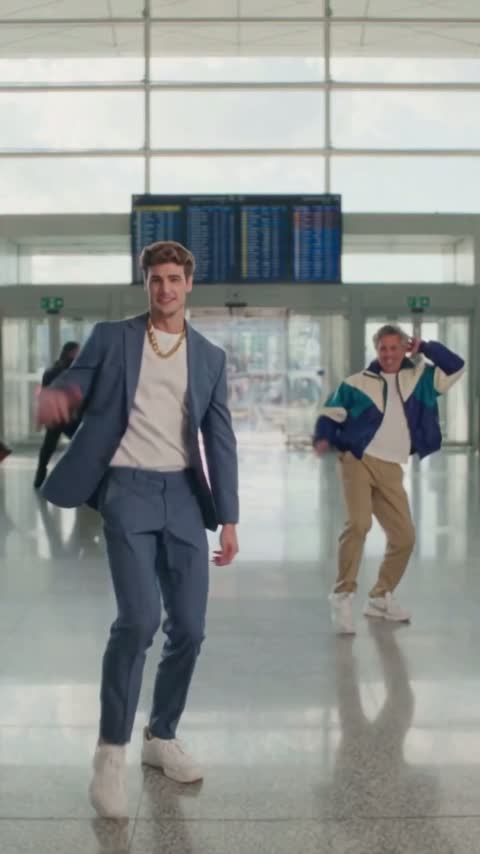
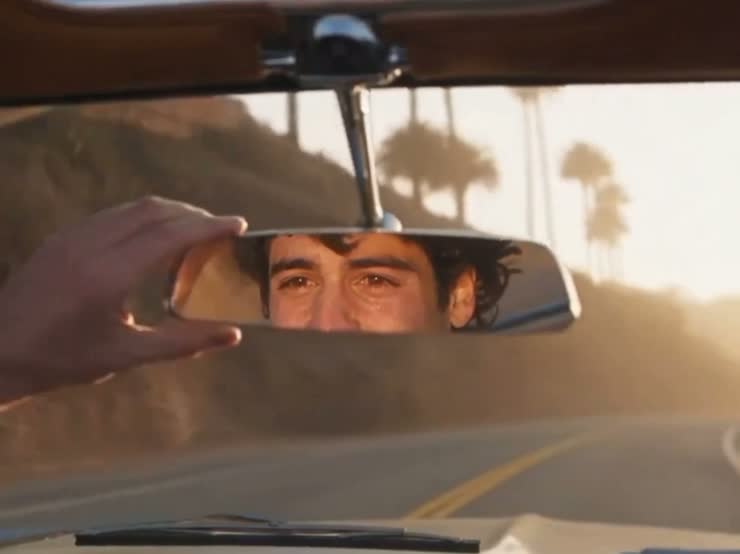
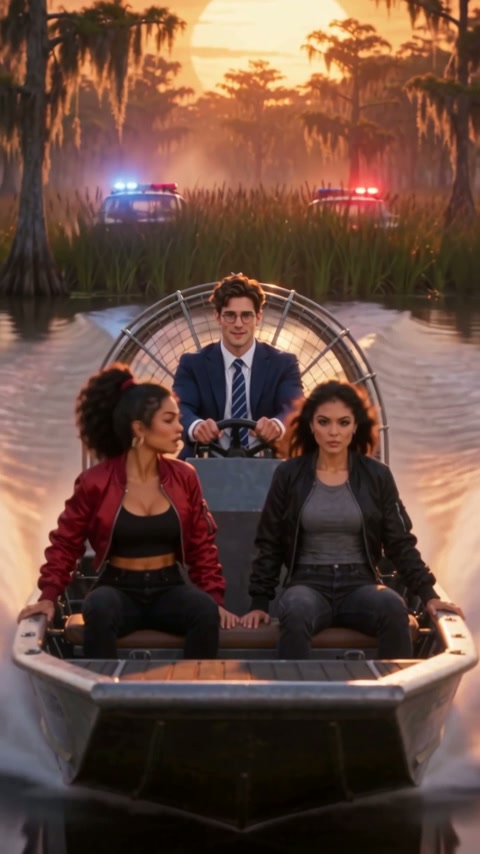
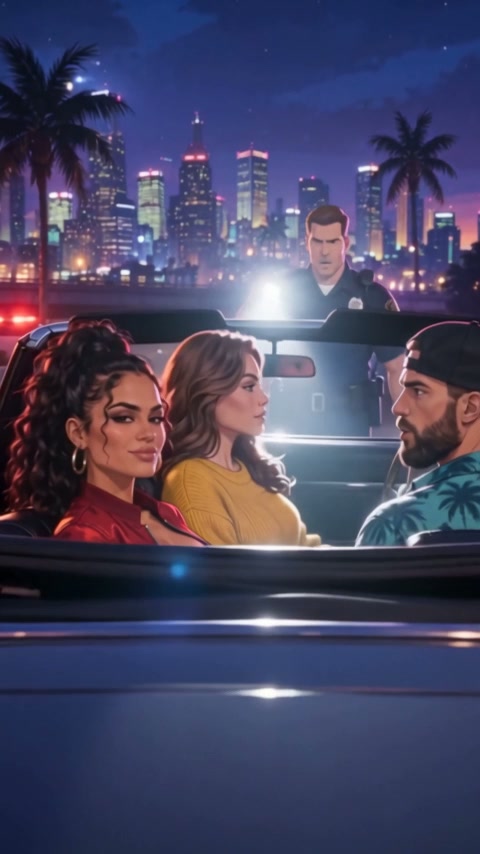
GTA 6 Loading EffectStep through a neon Vice City scan wipe
Browse free10 credits (480p) · 20 credits (720p)
Turn one clear photo into an indoor arms-crossed pose before a neon horizontal scan line wipes you into Vice City cel-shaded poster art by a pink convertible. Submit a natural real-world portrait—never a pre-cartoonized avatar—so the glowing horizontal bar wipes cleanly into cel-shaded art. Browsing and choosing options are free; generating one video requires a registered MakeHit account and costs 10 credits at 480p or 20 credits at 720p.
1 clear photo 10.031 s · Audio on 9:16 · TikTok/Reels No watermark
Make your GTA 6 Loading Effect video
1Upload photos
Your photo required
Use your own photo or a consenting adult’s. No photos of other minors or public figures.
2Choose video quality
10 sec · 9:16
By generating you confirm you have permission to use the people in your photos. Terms · Privacy
Private job and result · 10 credits · 480p · 20 credits · 720p
THE RESULT
What the GTA 6 Loading Effect video looks like
Watch our tested MakeHit example running 10.031s in native 9:16 with synchronized sound.
GTA 6 Loading Effect
9:1610.031sAAC audio
Full 10.031s duration matches original scene pacing
Native 9:16 frame without unwanted crop bars
Distinct likeness held on Your photo
Synced AAC audio non-silent and watermark-free
Your photo
Generated with MakeHit using AI test portraits.
THREE STEPS
How to make a GTA 6 Loading Effect video
Upload one unstylized portrait, choose quality, and verify the 2.6s scan sweep and 7.2s hood sit.
01
Upload one real unstylized portrait
Pick one sharp frontal photo in natural lighting (no anime filters or illustration edits beforehand) with consent.
02
Pick 480p or HD 720p
Use 480p (10 credits) for quick previews or HD 720p (20 credits) for release clarity.
03
Download & post
Confirm the 2.6s horizontal wipe keeps your likeness crisp through the 7.2s pink-convertible hood finish, then download and post manually.
PHOTO GUIDE
Which photo works best?
GTA 6 Loading Effect
Input & role order
One crisp front-facing portrait with clean lighting and clear facial features.
Compose the shot
Evenly lit face without heavy bangs or harsh indoor shadows.
Avoid
Side profiles or stylized anime filters before uploading.
Every upload
Use crisp JPG, PNG, WebP, or HEIC files under 10 MB each.
Keep lighting even so face holds steady through all 4 cuts.
ORIGIN
Where the GTA 6 scan-line loading screen transformation came from
Born from GTA IV's "Soviet Connection" illustrated loading slides, the format evolved through @zvitalonyt's Oct 2023 parody (436K+ likes) and @bleekloveskamala's Apr 2025 edit (4.6M+ views) before Nov 2026 AI portrait wipes. On TikTok, @john_stockman's clip hit 465.3K plays and 25K likes under a 193.7K-video GTA VI score sound, as commenters joked, "theres no loading screen."
GTA IV introduces the "Soviet Connection" loading-screen style
Rockstar's painted character cards sliding over Michael Hunter's bassline turned slow boot screens into an iconic parody canvas. Public source · knowyourmeme.com
Creators stage real-life "Seeing Pictures That You Normally Don't See" skits
@zvitalonyt drew 436K+ likes freezing candid poses into GTA IV cards, followed by @bleekloveskamala's 4.6M-view edit in April 2025 and IShowSpeed GTA IV edits. Public source · knowyourmeme.com
Vice City scan-bar wipes bring portraits to life
@john_stockman reached 465.3K plays pairing a live GTA 6 loading portrait with "Flower In A Hurricane" (193.7K videos), prompting "how long does it take the load" jokes. TikTok · @john_stockman
Animated Vice City intros replace static loading cards
@six_stars_daily logged 73.9K plays and 691 shares with a moving GTA 6 intro cut that transitions straight from portrait art into street motion. TikTok · @six_stars_daily
Dates reflect game release records, Know Your Meme entries, and cited TikTok creator posts with their individual play counts.
Full cultural timeline, creator variants & audio rights:
MakeHit handles multi-cut timing inside the app. Use this standalone text-to-video guide if testing external scene generation.
GTA 6 Loading EffectYour photo
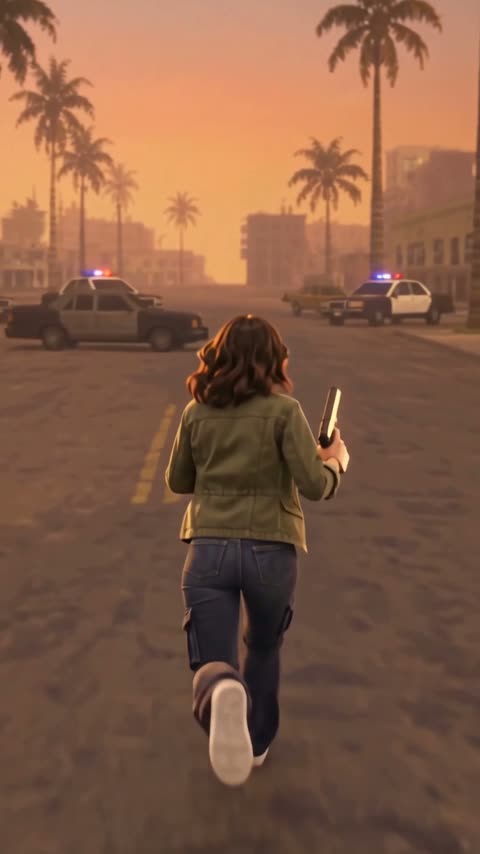
Vertical 9:16 continuous camera transition from real garage into GTA VI illustrated box art. 0-2.6s: Subject stands arms crossed leaning against a parked silver car indoors. 2.6-4.0s: A bright neon horizontal scan line sweeps cleanly from bottom to top, converting the garage and character into cel-shaded pink-blazer poster art beside a pink retro convertible under sunset palms. 4.0-10.0s: Illustrated character steps over and sits calmly on the convertible hood facing camera.
CREDITS
How many credits does GTA 6 Loading Effect cost?
480p costs 10 credits; HD 720p costs 20 credits.
480p10 credits9:16 · 10.031s · Fast preview MP4 with synchronized AAC audio.
720p20 credits9:16 · 10.031s · High-definition MP4 with sharper facial and scenic detail.
Browsing presets, inspecting examples, and selecting slots are free. Credits are held on start and settled only on completion. Failed jobs automatically return held credits back to your balance. Zero recurring lock-in required for one-off credit packs.
BREAKDOWN
GTA 6 Loading Effect, second by second
Follow the 4 timed beats synced to the audio track.
Time
Beat
What should happen
0.0-2.6s
Live-action garage lean
Subject leans calmly against an indoor silver car with arms crossed looking directly into lens.Check sharp facial alignment and clean cut transition.
2.6-4.0s
Neon scan-line sweep
Bright glowing horizontal scan line rises smoothly across the screen transforming realism into comic art.Check sharp facial alignment and clean cut transition.
4.0-7.2s
Pink convertible reveal
Cel-shaded character in pastel blazer strides beside a glowing pink retro convertible under sunset palms.Check sharp facial alignment and clean cut transition.
7.2-10.0s
Hood pose hold
Illustrated protagonist sits effortlessly on the car hood holding eye contact to finish the beat.Check sharp facial alignment and clean cut transition.
VERSIONS
Which GTA 6 Loading Effect version should you use?
GTA 6 Loading Effect · 480p / 720p
BEST FOR480p for fast casting checks; 720p for crisp final exports.
Original 9:16 scene preserving soundtrack with 10-credit 480p or 20-credit 720p output.
TROUBLESHOOTING
Common GTA 6 Loading Effect problems & fixes
How to avoid side profiles or stylized anime filters before uploading. and verify output smoothly.
Problem
Likely cause
What to change
Cel-shaded face after the glowing scan line drifts away from the opening garage portrait
Pre-cartoonized inputs, harsh shadows, or turned heads break identity lock across the realism-to-comic wipe
Upload a natural, unstylized front photo in even light with unobstructed brows and jawline.
Post-wipe comic portrait looks generic after the neon bar
Uploaded source was already heavily stylized, anime-filtered, or blurred
Replace with a crisp unedited camera selfie showing clear eye and brow lines.