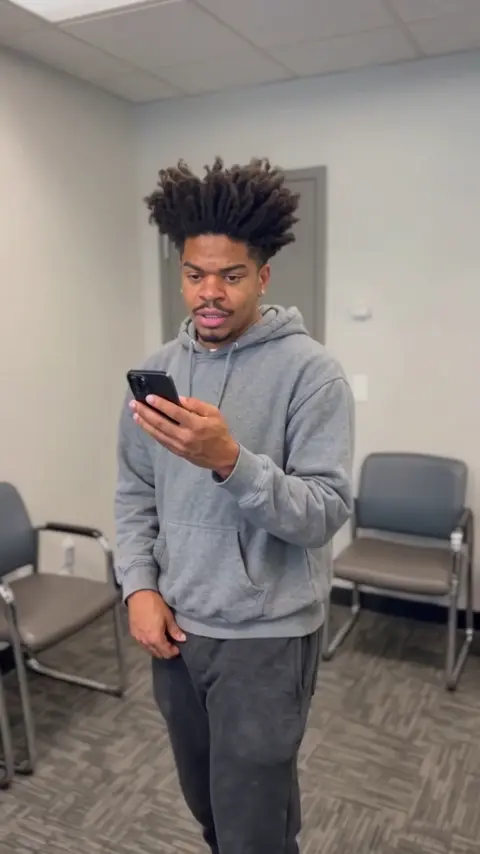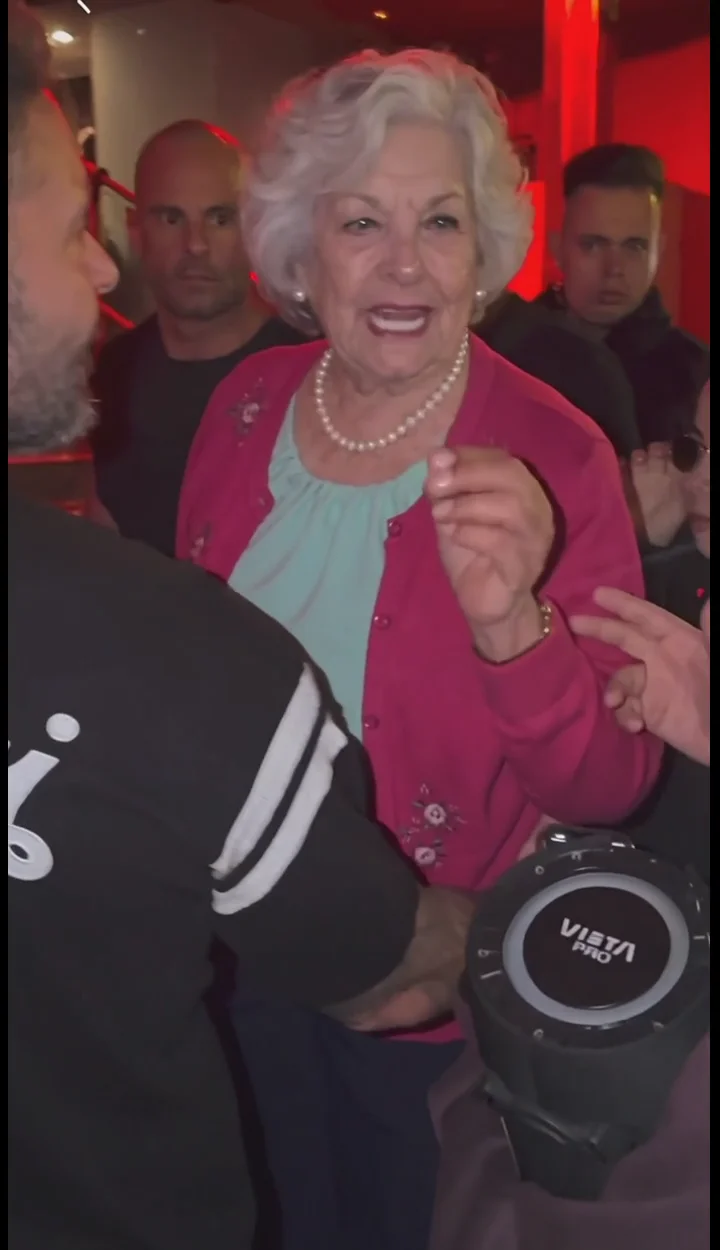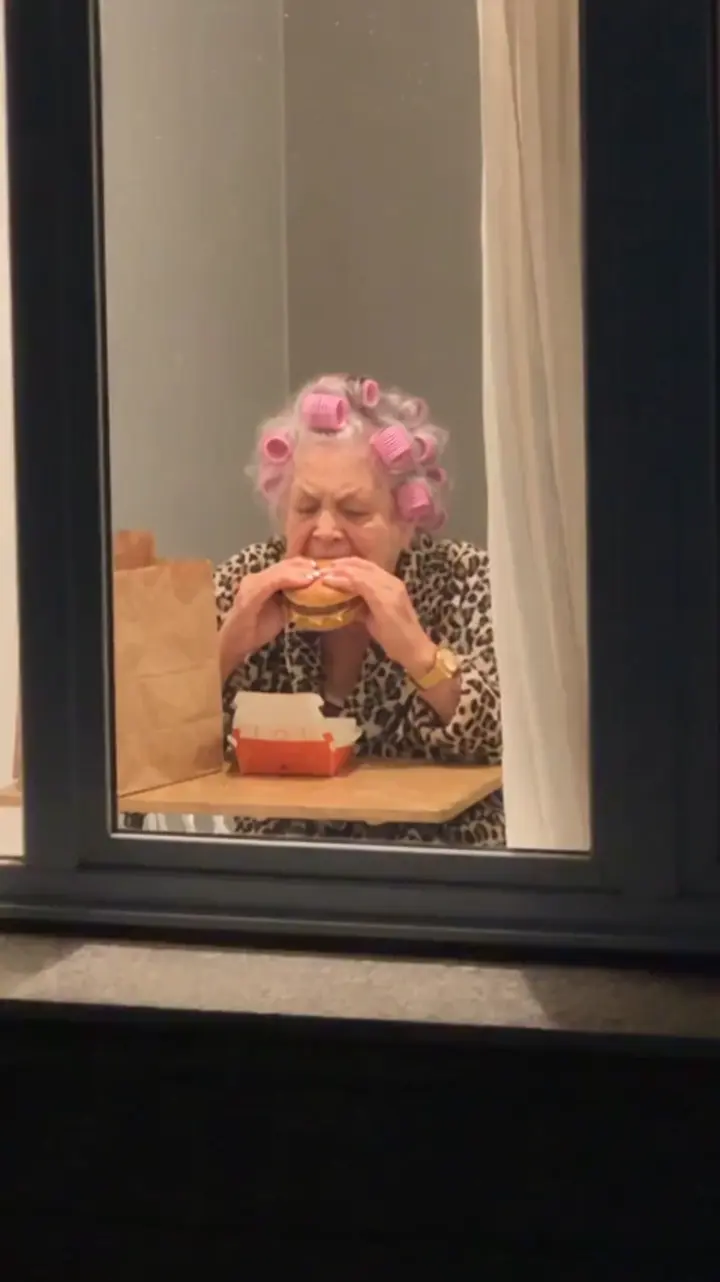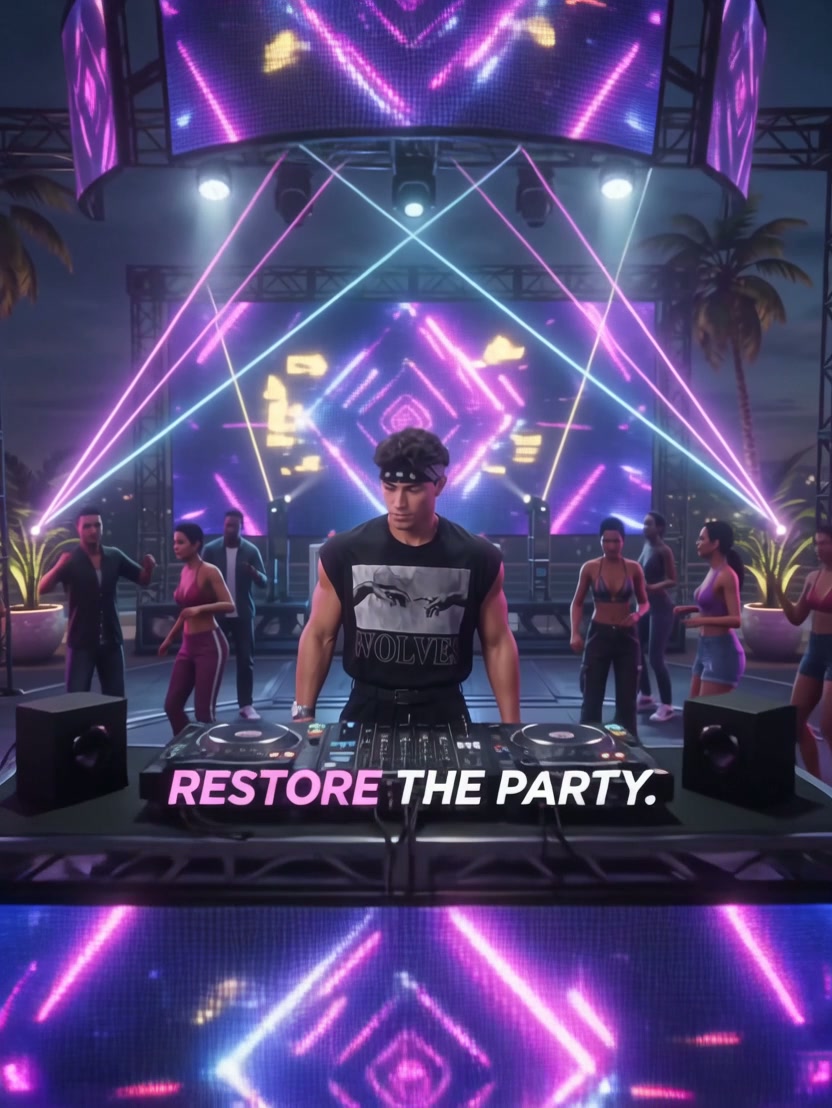
NEON CLUB BOOTH

GTA 6 DJ AI Video TrendDrop yourself behind neon Vice City club decks

Browse free10 credits (480p) · 20 credits (720p)

Turn one clear half-body portrait into a 5.04-second 3:4 neon Vice City DJ mission clip with mixer gestures and baked club audio. Keep natural facial identity sharp under pulsing magenta club strobes and palm silhouettes with zero finger distortion. Browsing and choosing options are free; generating one video requires a registered MakeHit account and costs 10 credits at 480p or 20 credits at 720p.

1 photo 5.04s · Audio on 3:4 · TikTok & Reels No watermark

Make your GTA DJ Mission video

1Upload photos

Half-body portrait required

Use your own photo or a consenting adult’s. No photos of other minors or public figures.

2Choose video quality

5.038005 sec · 3:4
Resolution

By generating you confirm you have permission to use the people in your photos. Terms · Privacy

Private job and result · 10 credits · 480p · 20 credits · 720p

GTA 6 DJ AI Video Trend trend preview
THE RESULT

What the GTA DJ Mission video looks like

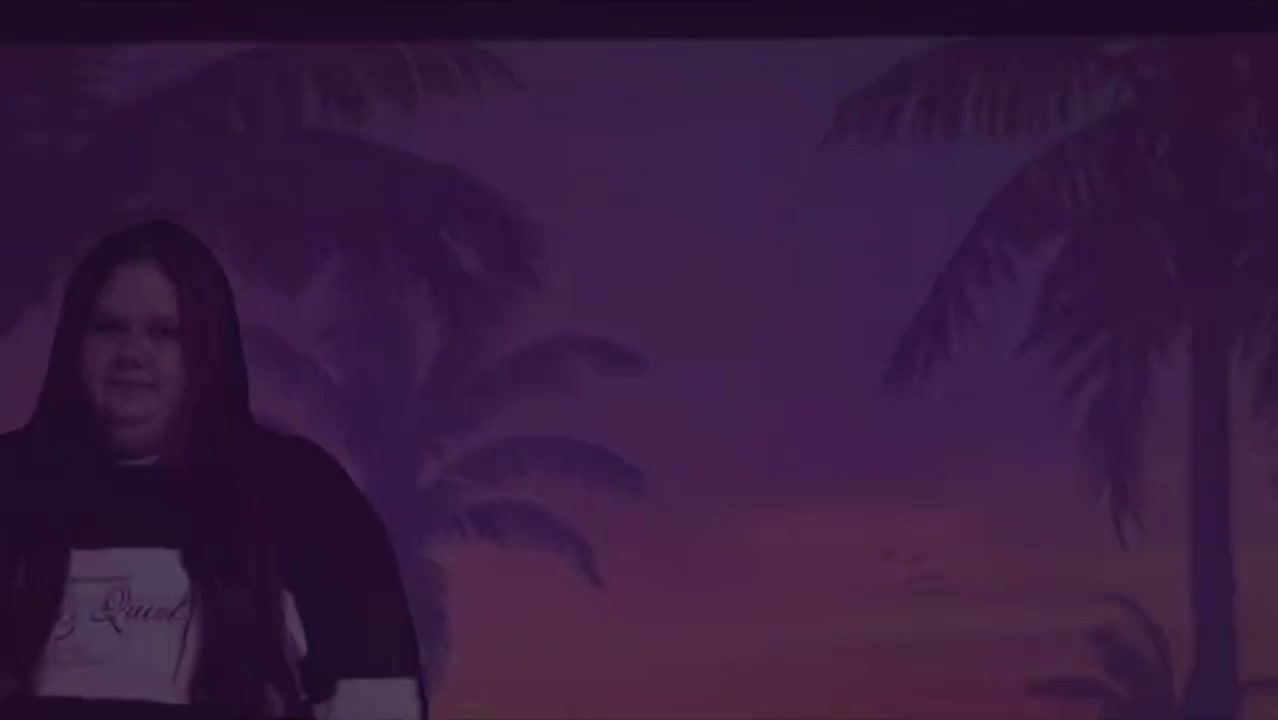
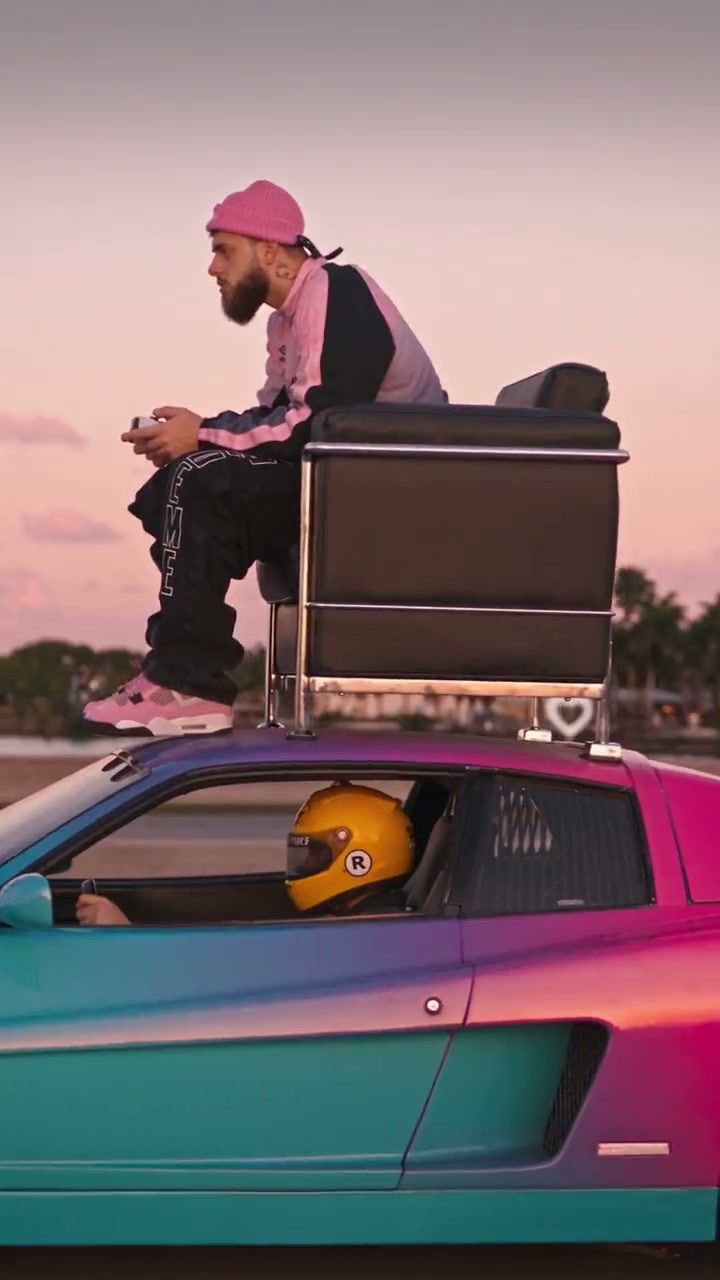
Review the 5.04-second third-party neon club DJ clip to check deck framing and beat transitions.

Trend preview · Original format

GTA DJ Mission

GTA DJ Mission
  • Tight 5.04s loop-ready club mission beat timing
  • Classic 3:4 portrait framing centering booth & hands
  • Vibrant neon pink/cyan Vice City lights without washed-out skin
  • Synchronized club audio & clean watermark-free MP4

Neon booth club trend footage previews mixer choreography and flash pacing; original rights remain unknown prior to generating from your own portrait.
THREE STEPS

How to make a GTA DJ Mission video

Cast Half-body portrait, select resolution, and export a watermark-free MP4 spanning neon booth lock through beat loop hold.

01

Upload your photo(s)

Upload one clear Half-body portrait in JPG, PNG, WebP, or HEIC under 10 MB with both shoulders and natural indoor light.

02

Pick 480p or HD 720p

Render a quick 10-credit 480p preview to check neon booth lock, or choose HD 720p for 20 credits for sharp final exports.

03

Download & post

Review identities through beat loop hold, save the watermark-free MP4, switch on AI disclosure, confirm music rights, and post manually.

PHOTO GUIDE

Which photo works best?

GTA DJ Mission

Input & role order

Half-body portrait (required, waist or chest up)

Compose the shot

Relaxed upper-body posture, crisp eye contact, and simple clothing so hands sit naturally over glowing club decks.

Avoid

Dark neon club photos already drenched in laser haze, cropped forehead selfies, or crossed arms.

Every upload

  • JPG, PNG, WebP, or HEIC up to 10 MB per file
  • One clear intended subject inside each upload slot
  • Chest-up or waist-up shots give shoulders natural DJ reach
  • Neutral lighting holds cheekbones steady under club strobes
ORIGIN

Where the GTA DJ Mission trend came from

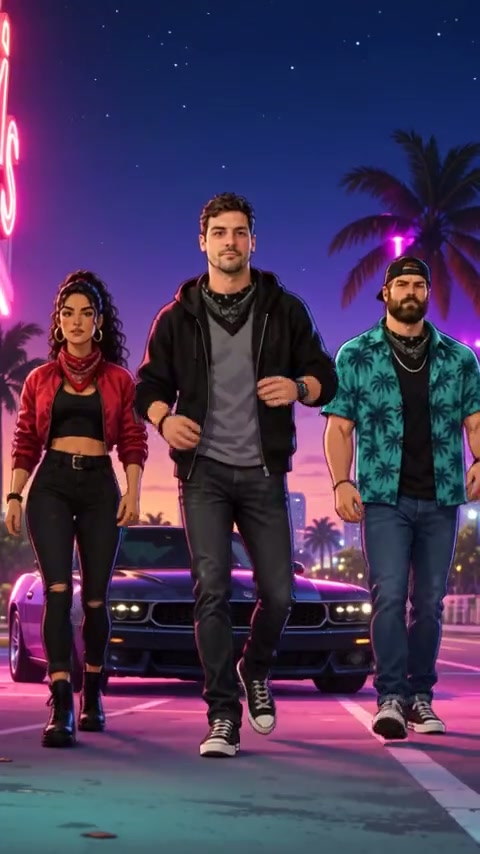
Combining Miami club visuals with Rockstar's GTA VI music-trailer atmosphere, GTA 6 DJ edits exploded across TikTok—led by @mikedemero's November 24, 2026 clip reaching 700.7K observed plays and 100.3K likes under 'Outside.' Alongside earlier takes like @rafael_guti04's October 10 clip (15.6K views under 'Last Thing You Need'), DJ creators turned half-body portraits into neon booth missions.

  1. @rafael_guti04 pairs club scenes with GTA VI album audio

    Early DJ mission edits mix Vice City palm silhouettes, pulsing laser booths, and stylized soundtrack loops. TikTok · @rafael_guti04

  2. @mikedemero hits 700.7K plays & 100.3K likes behind decks

    Real DJs and creators embrace the crisp Vice City booth angle over 7,500+ shares, cementing the half-body club cut. TikTok · @mikedemero

  3. Dedicated 5.04s route locks mixer hands & neon likeness

    Single Half-body portrait renders pulsing deck transitions cleanly without strobe flicker blurring fingers. TikTok · @mikedemero

Observed November 25, 2026; @rafael_guti04 and @mikedemero engagement reflects live TikTok counts at collection time.

PROMPT

The GTA DJ Mission prompt

Follow the standalone visual blueprint below from neon booth lock to beat loop hold without needing slot placeholders.

GTA DJ MissionHalf-body portrait

3:4 aspect-ratio atmospheric GTA-inspired Miami nightclub scene bathed in vibrant magenta and electric cyan neon rim lights. 0.0-2.5s: Half-body DJ wearing sharp nightlife attire leans coolly over glowing illuminated CDJ turntables with tropical palm silhouettes pulsing gently through club mist. 2.5-5.04s: Subtle push-in captures crisp natural hand adjustment on the mixer fader and confident head nod on-beat as strobe highlights catch cheeks cleanly without overexposure. High-grade open-world lighting, crisp finger definition, zero watermarks.

Public replication guidetext-to-video guide3:45.04s
PRICING

How many credits does GTA DJ Mission cost?

Test booth stance and strobe reflection on your face at 480p for 10 credits, or upgrade to crisp HD 720p deck LED glow for 20 credits.

480p10 credits3:4 · MP4 · Quick test of half-body DJ posture & neon lighting balance in 3:4.
720p20 credits3:4 · HD MP4 · Sharp CDJ LED details, clean hand fader pose & club mist depth in HD MP4.

Review the compact 5.04s DJ clip and upload specs free before generating. Credits reserve upon render start and settle only after MP4 completion. Automatic refund clears held credits if any club render stalls. Both quality options share the identical 5.04s loop timing, 3:4 frame, and baked beat audio.

SEQUENCE

GTA DJ Mission, second by second

Review the 5.04-second third-party neon club DJ clip to check deck framing and beat transitions.

TimeBeatWhat should happen
0.0-1.4sNeon booth lockEstablishes glowing DJ mixer, cyan-pink haze, and confident upper-body stance.Confirm shoulders and hair edges match your portrait cleanly.
1.4-2.8sDeck fader grooveDJ reaches naturally onto mixer sliders while nodding subtly to the downbeat.Watch hand and wrist clarity over glowing platters.
2.8-4.0sStrobe highlight pushCamera eases subtly closer as club strobes catch cheekbone contours.Ensure neon highlights tint cheeks rather than mutating eye color.
4.0-5.04sBeat loop holdFinishes smoothly on a mission-card pose timed directly to the 5-second audio loop.Check seamless replay rhythm and crisp 3:4 edges before downloading.
PROBLEMS

Common GTA DJ Mission problems & fixes

Solve identity flicker, framing slips, and neon booth lock hiccups before spending extra credits.

ProblemLikely causeWhat to change
Hands warp or blur over glowing mixer slidersUploading a headshot where arms or phone sit right across the chest confuses fader reach.Choose a half-body photo with relaxed shoulders and unobstructed chest space.
Purple or pink club light washes out facial likenessSource photos already shot in dark neon bars stack color filters twice over eyes.Use a clear, evenly lit daylight or neutral studio portrait so club lights shade cleanly.
Tight forehead crop hides hair top in 3:4 framingClose-up chin-to-forehead selfies don't give enough chest/headroom margin for booth framing.Upload an uncropped half-body (chest or waist up) image with breathing room above hair.
Why is GTA DJ Mission 5 seconds instead of a long set?Short punchy 5.04s loops replay twice as cleanly inside Reels and TikTok while keeping hands steady.Download the 5.04s clip as a seamless high-impact intro, or pair with TikTok club audio tracks.
PUBLISHING

Sound, captions, hashtags & safety

Includes crisp 5.04-second synced club beat audio (creators on TikTok also love layering 'Outside' or 'Last Thing You Need').

Club beat audio synced

Includes crisp 5.04-second synced club beat audio (creators on TikTok also love layering 'Outside' or 'Last Thing You Need').

Great for personal DJ promos and meme drops; replace chart songs in TikTok/IG Studio before running paid event ads.

Caption ideas

  • Vice City residency unlocked—doors open at midnight 🎧🩷🌴
  • Turning my weekday headshot into a main-stage neon club mission

Hashtags

#GTA6DJ#ViceCityClub#DJMissionAI#NeonNightlife

AI disclosure & safety

  • Confirm portraits belong to consenting DJs or friends before sharing club reels.
  • Add AI labels per TikTok or Instagram rules so synthetic game clips stay clear.
  • Check venue music rights if cutting this clip into promotional event tickets.
FAQ

GTA DJ Mission questions, answered

Clear answers backed by the current photo slots, aspect ratio, timing, credits, and creator questions. support@makehit.app

CREATE YOUR VIDEO

Make your GTA DJ Mission video

Turn one clear half-body portrait into a 5.04-second 3:4 neon Vice City DJ mission clip with mixer gestures and baked club audio. Start with Half-body portrait.