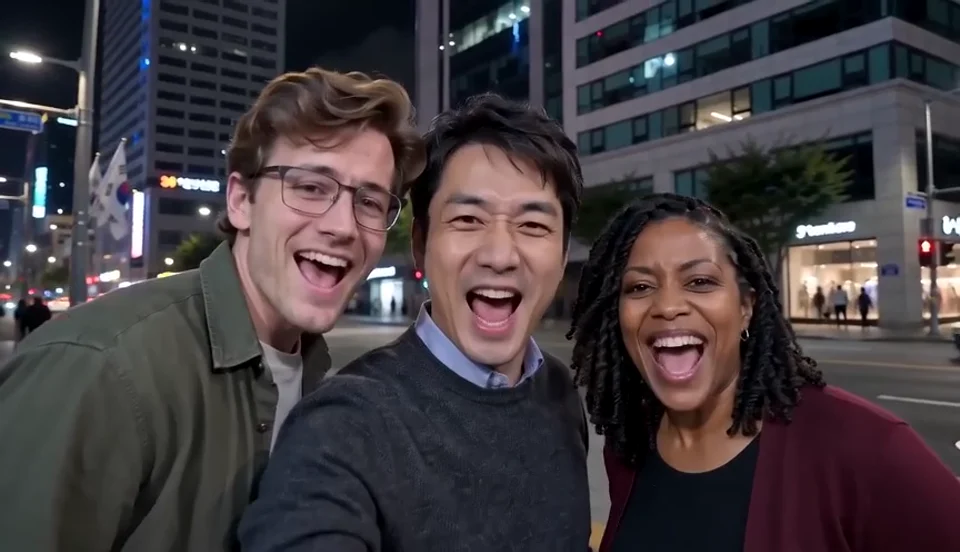
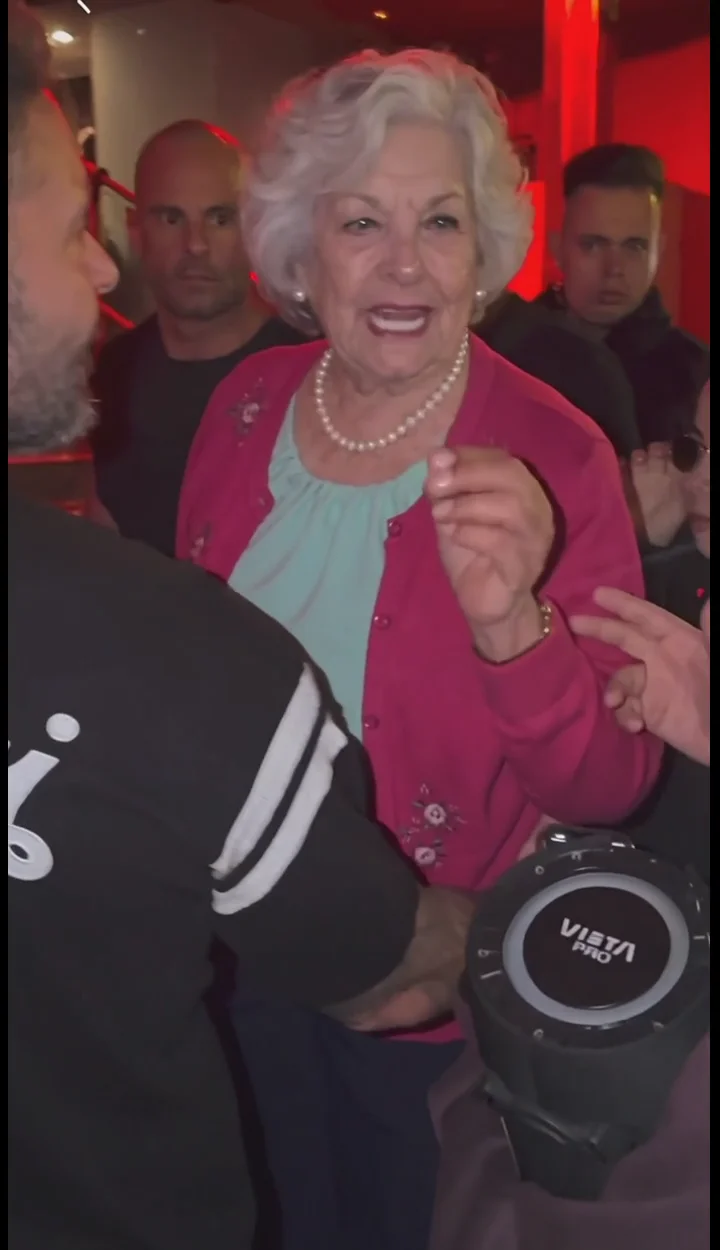
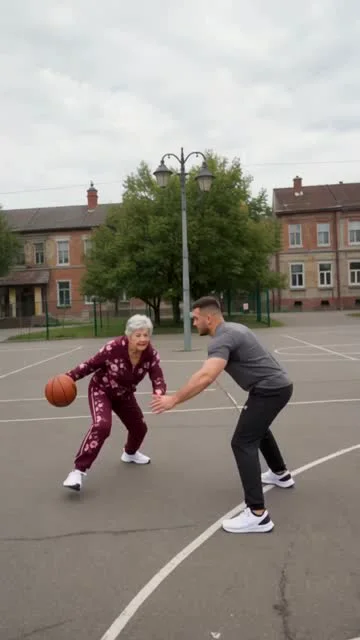
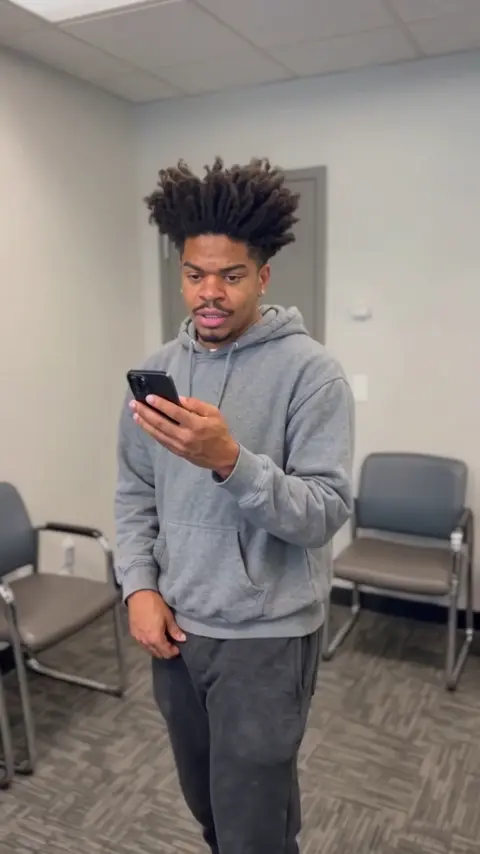
Tiny Desk AITurn Your Photos Into a Desk-Concert Performance
Browse free10 credits (480p) · 20 credits (720p)
Upload one required lead image, adding supported member portraits in One per member mode or substituting one left-to-right group photo in Group mode; choose one of three desk-concert plays, move between band-wide and lead or instrument close-ups, then end on the sax or sustained lead vocal specified for that play. Browsing and choosing options are free; generating one video requires a registered MakeHit account and costs 10 credits at 480p or 20 credits at 720p.
1 lead + member photos 8/10/15 s · Audio on 9:16 · TikTok/Reels No site-added watermark
Choose a play & your photo setup
1Cast & setting
2Upload photos
Lead singer photo required
Center close-up
Optional photosOptionalpresets fill any empty slot
Sax player photo Optional
Preset if empty
Keyboard player photo Optional
Preset if empty
Use your own photo or a consenting adult’s. No photos of other minors or public figures.
3Choose video quality
10 sec · 9:16
By generating you confirm you have permission to use the people in your photos. Terms · Privacy
Private job and result · 10 credits · 480p · 20 credits · 720p
THE RESULT
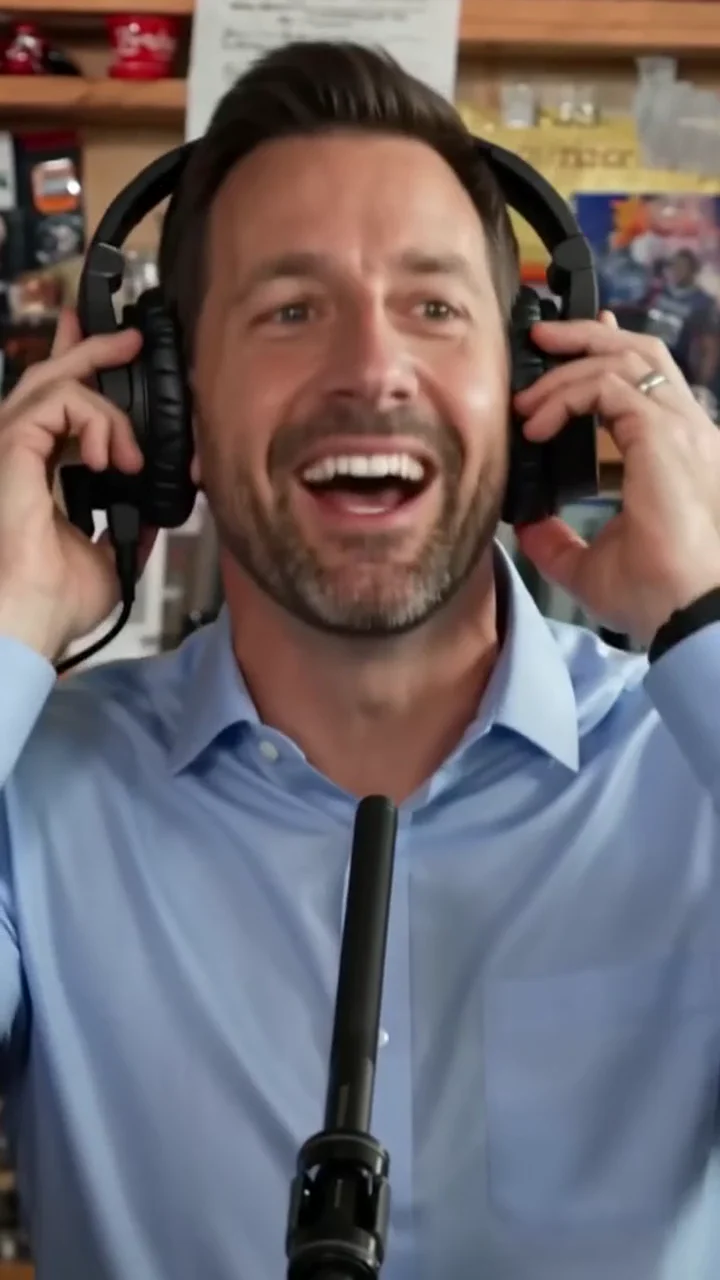
What the Tiny Desk AI video looks like
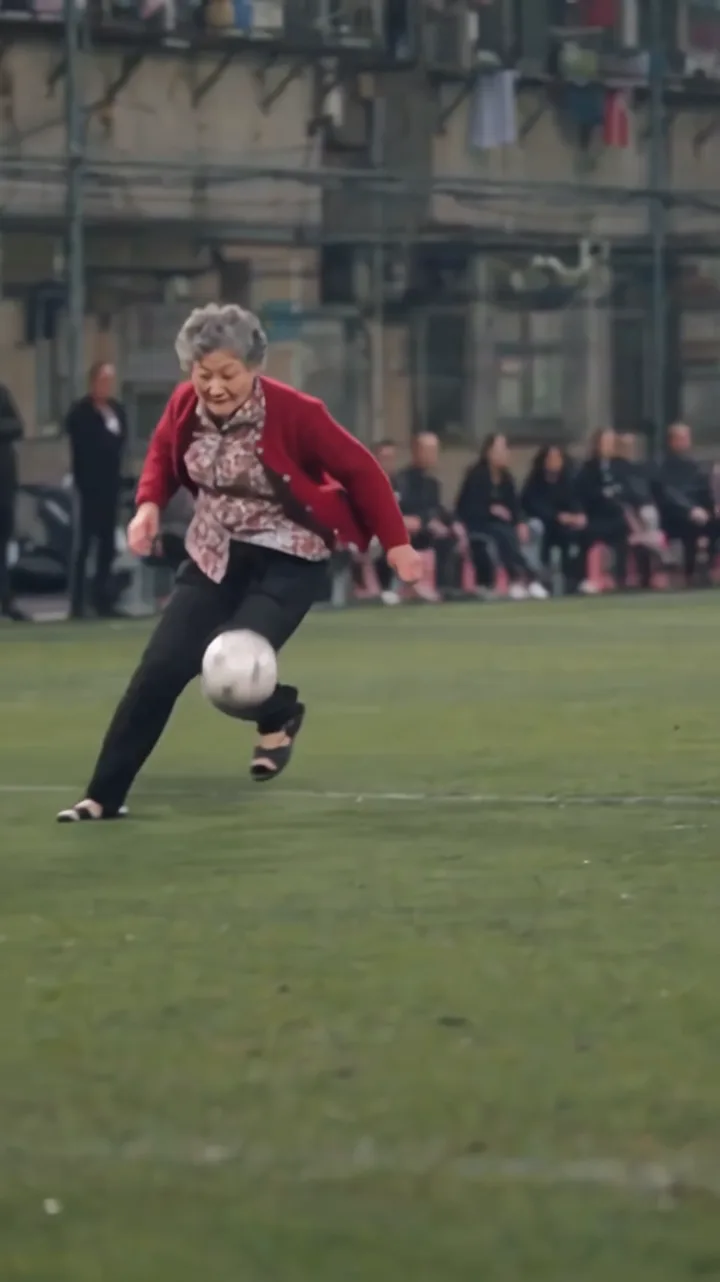
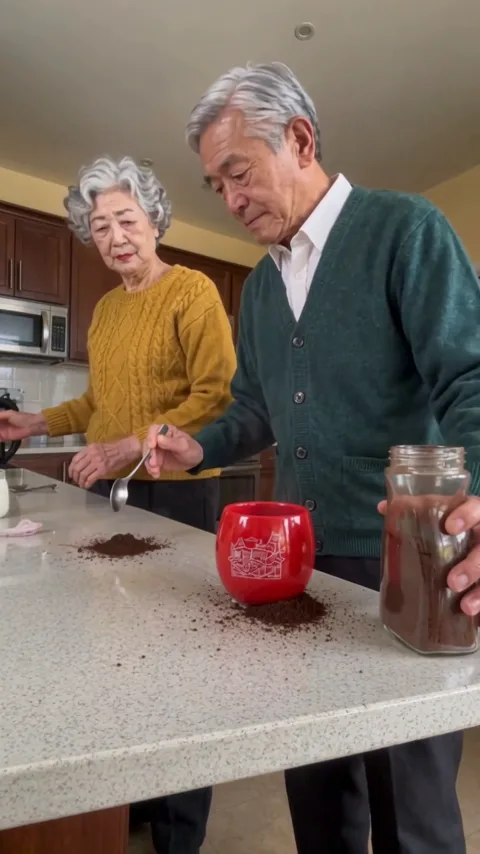
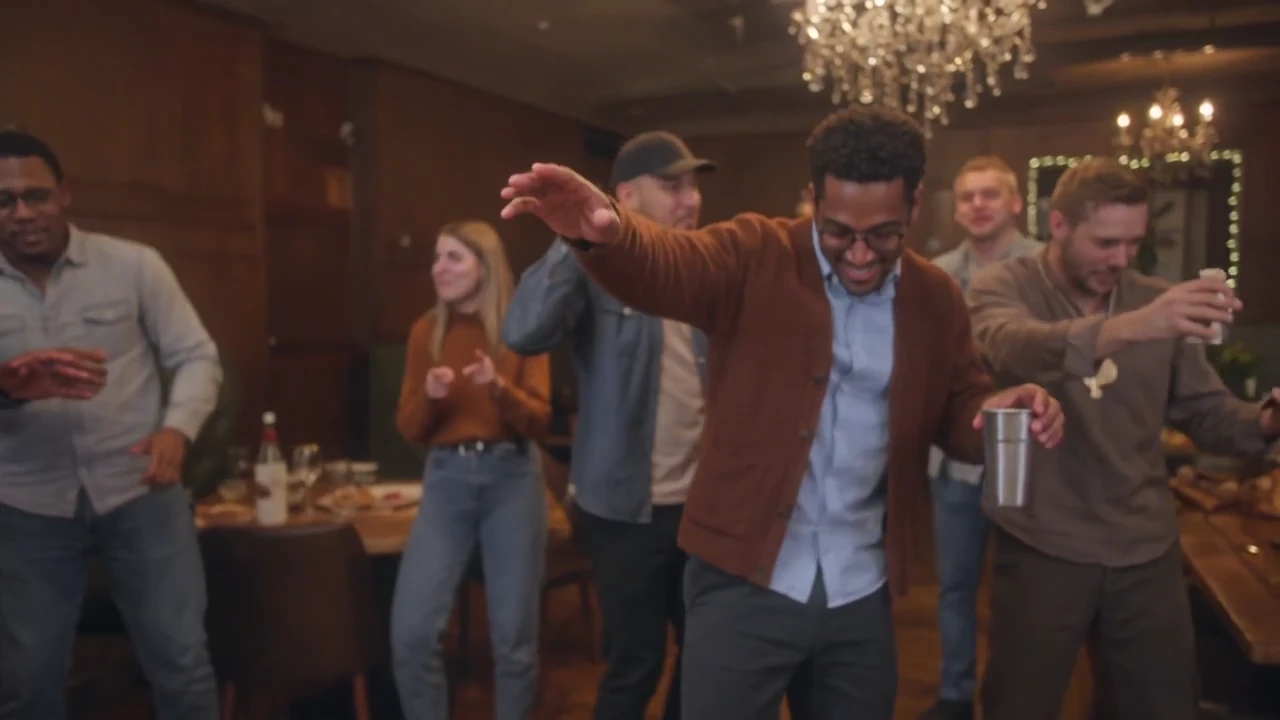
Watch generated examples for all three plays in One per member mode. Compare the lead, band staging, instrumental close-ups and prepared audio, then review your own cast and full result. One group photo does not have a dedicated preview.
1 / 3
Lead + Sax Solo Cut
One per member10.000 seconds · 720×1280 · prepared audio
Review the lead at the desk microphone before the instrumental close-up.
10.000 seconds · 720×1280 · prepared audio
Check the lead and band roles against the selected One per member setup.
This example uses One per member; One group photo does not have a dedicated preview.
Input references
Required lead portrait for the selected play
Play-specific band staging and member roles
This example uses One per member; One group photo does not have a dedicated preview.
Full Desk Jam & Big Laugh
One per member15.041667 seconds · 496×864 · prepared audio
Review the book-lined band opening and later lead and instrumental moments.
15.041667 seconds · 496×864 · prepared audio
Check the lead and band roles against the selected One per member setup.
This example uses One per member; One group photo does not have a dedicated preview.
Input references
Required lead portrait for the selected play
Play-specific band staging and member roles
This example uses One per member; One group photo does not have a dedicated preview.
Solo Lead Vocal Spotlight
One per member8.000 seconds · 720×1280 · prepared audio
Review the lead’s mouth movement, microphone relationship and sustained close-up.
8.000 seconds · 720×1280 · prepared audio
Check the lead and band roles against the selected One per member setup.
This example uses One per member; One group photo does not have a dedicated preview.
Input references
Required lead portrait for the selected play
Play-specific band staging and member roles
This example uses One per member; One group photo does not have a dedicated preview.
THREE STEPS
How to make a Tiny Desk AI video
Choose Lead + Sax for a 10-second feature, Full Desk Jam for a 15-second ensemble, or Solo Spotlight for an 8-second lead moment.
01
Pick the performance
Choose Lead + Sax for a 10-second feature, Full Desk Jam for a 15-second ensemble, or Solo Spotlight for an 8-second lead moment.
02
Match the photo setup
Use authorized portraits for the required lead and any supported member roles, or switch to One group photo and place a clear left-to-right group image in the lead slot.
03
Download & post
Choose 480p or 720p and review the full result with sound: role order, faces, hands, microphones, instruments, mouth movement, transitions and the ending, then download and post manually.
PHOTO CHECKLIST
Which photo works best?
Individual
Input & role order
Individual: one lead portrait first, then optional portraits for supported band members.
Compose the shot
Show each person separately with a clear face, headphones and hands where visible.
Avoid
Avoid group shots, hidden identifying features, motion blur and beauty filters.
Group
Input & role order
Group: one group photo in the lead slot, read from left to right.
Compose the shot
Show every person fully and without overlap so the left-to-right order is clear.
Avoid
Avoid group shots, hidden identifying features, motion blur and beauty filters.
Every upload
Use sharp, evenly lit photos; avoid crowds in individual mode, cropped people, collages and motion blur.
SOURCE & TIMELINE
Where the Tiny Desk AI trend came from
Rooted in Charlie Wilson's June 2023 NPR Tiny Desk Concert finale of The Gap Band's "Outstanding," the parody went nuclear on October 18, 2026 when @theburnerfromhe11 cast losing college football coaches in a 4.4M-play, 328.4K-like performance across 650 sound remixes. Friend-group and political recasts by @maconehundred (282.9K plays), @tinydesk.video (232.9K), and @onlynorthernjay followed fast as viewers cracked "Man ai getting scary 😂" and "Deboer singing his ass off 🤣 😂".
Charlie Wilson's NPR horn section anchors the solo framing
The 2023 Tiny Desk performance pairs lead vocals with a tight front-line horn solo that later single-subject and duo cuts spotlight. Official source
4.4M viewers lock onto the solo singer & saxophonist cut
In @theburnerfromhe11's breakout clip, top replies spotlight the two-beat focus with 'he playing tf outta that Saxophone' and 'Freeman on the sax is crazy'. TikTok · @theburnerfromhe11
Milestones combine Charlie Wilson's official 2023 NPR Tiny Desk announcement with public October–November 2026 TikTok posts; viral clips do not grant commercial audio or likeness rights.
Full cultural timeline, creator variants & audio rights:
Use a public replication guide to plan the same cast roles and shot order in another compatible video tool. MakeHit already prepares the selected play, so you do not need to paste anything here.
One per memberOne authorized lead portrait plus supported optional member portraits for the selected play.
Create a vertical desk-concert performance from one authorized portrait per assigned role. Keep the lead at the microphone, preserve each face and outfit, then follow the chosen play’s camera changes into the featured instrumental close-up. Keep band reactions joyful but do not add unauthorized people, a different song, captions or watermarks.
One group photoOne authorized left-to-right group image in the required lead slot.
Use the supplied left-to-right group image as the cast sheet for the selected desk-concert play. Keep the leftmost performer as lead and assign the remaining people to the play’s specified positions. Preserve identities across wide and close shots, keep the desk and instruments stable, and use only audio and likenesses you have permission to use.
CURRENT CREDIT COST
How many credits does Tiny Desk AI cost?
The quality choice changes the credit total, not the image roles or the prepared effect. Browsing examples and selecting photos do not generate a video.
480p10 credits10-, 15- or 8-second target by play · 9:16 vertical · Standard quality tier; the input roles and prepared effect remain unchanged.
720p20 credits10-, 15- or 8-second target by play · 9:16 vertical · HD quality tier; the input roles and prepared effect remain unchanged.
Browsing examples, choosing options and selecting photos do not themselves generate a video. Confirm the credit amount shown on Generate before submitting. If a generation fails, check the on-screen outcome and support terms before another paid attempt. Generation requires an account and enough paid credits.
SHOT MAP
Tiny Desk AI, second by second
Select a play to see only its own shot ranges, actions and review points. These ranges guide review and do not promise that every generated export cuts on the identical frame.
Time
Beat
What should happen
0–6.3 s
Lead close-up
The 10-second Lead & Sax Solo Cut opens on the lead at the desk microphone through 6.3 seconds.Keep the lead identity, mouth movement and microphone relationship stable.
6.3–10 s
Sax close-up & ending
The play cuts from the lead to the sax at 6.3 seconds, with the keyboard remaining in the foreground through the ending.Check sax and keyboard roles, the cut near 6.3 seconds and the final audio join.
CHOOSE A PLAY & PHOTO MODE
Which Tiny Desk AI version should you use?
One per member
BEST FORSeparate control of the lead and eligible member portraits in any of the three plays.
Supply the required lead and only the optional seats used by the selected play; empty eligible seats use prepared performers.
One group photo
BEST FOROne ordered cast sheet for any of the three plays without separate member uploads.
Place one clear left-to-right group image in the lead slot and check the play-specific people-to-role mapping.
CHECK & REPAIR
Common Tiny Desk AI problems & fixes
Use these checks to identify likely causes and improve your lead, member portraits, group order or review before trying again.
Problem
Likely cause
What to change
The lead changes between shots
An obstructed reference face or inconsistent people across source images.
Replace the lead with a sharp, front-facing authorized portrait and review every close-up before accepting it.
Sax and keyboard identities look swapped
The wrong per-member upload order, similar-looking references or unclear group positions.
Reassign each Individual slot explicitly; in Group mode use an unambiguous left-to-right image with distinct people.
Unexpected faces fill the band
An empty optional role in Individual mode uses a prepared member.
Supply an authorized member portrait for the seat you want to control, or keep the intentional preset casting.
The singer smiles but the mouth does not read as singing
An occluded mouth or failed mouth/microphone relationship.
Use an unobstructed face and check the complete lead shot with audio; do not judge from the poster.
Hands, microphone, sax or keyboard merge
Crowded props, covered hands or difficult side views.
Use clearer portraits with visible shoulders and hands, then inspect each instrumental close-up and every transition.
A Group selection looks like the Individual sample
The three dedicated samples belong only to Individual mode; Group has no dedicated preview.
Confirm the selected mode and generate your own authorized result; do not reuse another sample as approval.
Watch the complete export with sound and compare it with the required role assignments before publishing. Check embedded text, identities, permissions and any accessibility warning your edit needs.
Prepared audio & permission checks
Each play has its own prepared performance audio rather than a custom-song input. Listen to the entire result, including joins and the ending, and make sure you have permission for the music and every likeness before publishing.
Each play has its own prepared performance audio rather than a custom-song input. Listen to the entire result, including joins and the ending, and make sure you have permission for the music and every likeness before publishing.
Caption ideas
Our starting five just made the Tiny Desk · AI-generated recast
The group chat got a band instead · AI-generated
When the season needs one last encore · AI-generated video
One lead, four bandmates and a very big laugh · AI recast
Hashtags
#tinydeskai#aivideo#aigenerated#bandmeme
AI disclosure & safety
Disclose the generated or AI-edited material where the destination or applicable rules require it. Wording such as ‘AI-generated remake’ should describe the clip, not merely repeat a trend hashtag.
Use only authorized faces and music; do not imply NPR or a named artist endorsed your remake. Avoid copying logos, disguising AI footage as a real event or uploading protected artist imagery without permission.
Watch the complete export with sound and compare it with the required role assignments before publishing. Check embedded text, identities, permissions and any accessibility warning your edit needs.
FAQ
Tiny Desk AI questions, answered
Get quick answers about NPR footage, required photos, empty band slots, photo modes, durations, audio choices, previews and credits. support@makehit.app