Upload 1 required right-passenger portrait—plus optional Left passenger and Police officer photos—for a 15-second neon Busted freeze that snaps back into a burnout escape. Skip dark sunglasses so your eyes lock cleanly onto camera when monochrome arrest footage snaps back into vivid neon color. Browsing and choosing options are free; generating one video requires a registered MakeHit account and costs 10 credits at 480p or 20 credits at 720p.
1–3 clear photos 15.0 s · Audio on 9:16 · TikTok/Reels No watermark
Make your GTA 6 Busted AI video
1Upload photos
Right passenger photo required
Main protagonist (required)
Optional photosOptionalpresets fill any empty slot
Left passenger photo Optional
Front-left red-jacket seat
Police officer photo Optional
Officer standing behind the car
Use your own photo or a consenting adult’s. No photos of other minors or public figures.
2Choose video quality
15 sec · 9:16
By generating you confirm you have permission to use the people in your photos. Terms · Privacy
Private job and result · 10 credits · 480p · 20 credits · 720p
THE RESULT
What the GTA 6 Busted AI video looks like
Watch our tested MakeHit examples running 15.0s in native 9:16 with synchronized sound.
1 / 2
GTA 6 Busted AI (Solo)
9:1615.0sAAC audio
Full 15.0s duration matches original scene pacing
Native 9:16 frame without unwanted crop bars
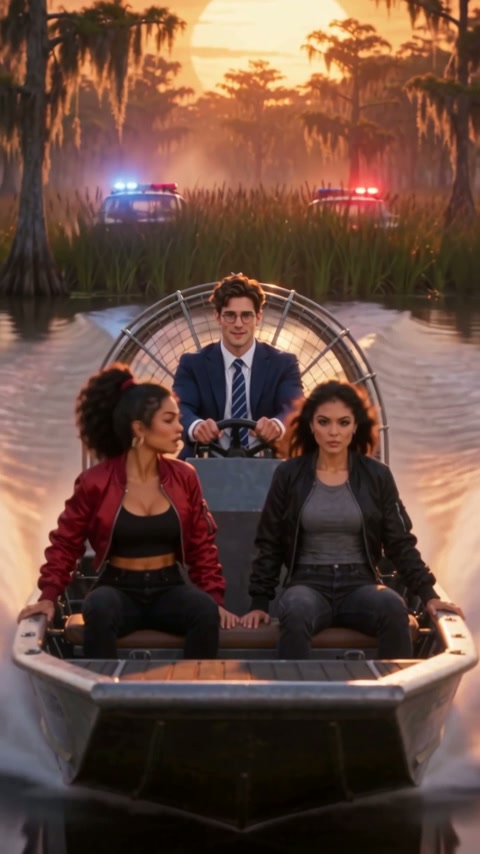
Distinct likeness held on Right passenger (required) + optional Left passenger & Officer
Synced AAC audio non-silent and watermark-free
Your photo
Generated with MakeHit using 1 AI test portrait (reference cast retained for optional slots).
GTA 6 Busted AI (3-Photo Cast)
9:1615.0s3 photos · AAC audio
All 3 uploaded portraits mapped to separate roles
Native 9:16 scene lighting and motion preserved
No swapped character positions across cuts
Synced AAC audio non-silent and watermark-free
Right passengerLeft passengerPolice officer
Generated with MakeHit using 3 AI test portraits via optional cast slots.
THREE STEPS
How to make a GTA 6 Busted AI video
Set right passenger plus optional officer slots, choose 480p or 720p, and review the 9.0s smirk cut.
01
Load right passenger & optional officer
Upload the required right-seat smirk lead first, then optionally cast co-passenger and officer portraits with permission.
02
Pick 480p or HD 720p
Use 480p (10 credits) for quick previews or HD 720p (20 credits) for release clarity.
03
Download & post
Scrub past the 6.5s monochrome arrest pause to verify clean eye contact at 9.0s and the burnout launch at 11.0s, then download and post manually.
PHOTO GUIDE
Which photo works best?
GTA 6 Busted AI
Input & role order
Required: Right passenger portrait (main smirk seat). Optional (up to 2): Left passenger (red jacket) and Police officer standing behind the car.
Compose the shot
Eyes unobstructed for the color-pop smirk; leave optional slots blank to keep the original co-passenger and officer.
Avoid
Heavy motion blur, sunglasses, or multiple faces in frame.
Every upload
Use crisp JPG, PNG, WebP, or HEIC files under 10 MB each.
Keep lighting even so face holds steady through all 5 cuts.
ORIGIN
Where the GTA 6 Busted police stop trend came from
Classic GTA "BUSTED" freeze-screen parodies surged ahead of launch when Derbyshire police (@derbyspolice) trolled a November 3, 2026 dashcam arrest with "Could've just waited a few more weeks for GTA 6 to drop." By release week, @dannyaaronslive pulled 63.6K plays while @comparaholiic hit 685.5K plays and 30.1K likes comparing GTA VI and GTA V busts, drawing roasts like "Why are we waiting to be arrested 😭."
Police dashcam spoof revives the "BUSTED" freeze-screen
Channeling GTA's longtime grayscale arrest screen ahead of Grand Theft Auto VI, @derbyspolice goes viral joking a suspect "Could've just waited a few more weeks for GTA 6 to drop." Public source · en.wikipedia.org
@dannyaaronslive scores 63.6K plays with arrest gag
Captioning a street-stop clip "*gameplay from GTA 6", the post triggers classic player jokes like "Why are we waiting to be arrested 😭" and "Just call lester Gng🥀". TikTok · @dannyaaronslive
@comparaholiic's "Busted: GTA VI vs. GTA V" hits 685.5K plays
Earning 30.1K likes and 1,537 shares, the side-by-side arrest comparison fuels AI traffic-stop fake-outs and "GTA 5 looks like Roblox💀🥀" banter. TikTok · @comparaholiic
Dates, play counts, and quoted reactions come from Wikipedia's Grand Theft Auto VI entry and the cited public TikTok posts.
Full cultural timeline, creator variants & audio rights:
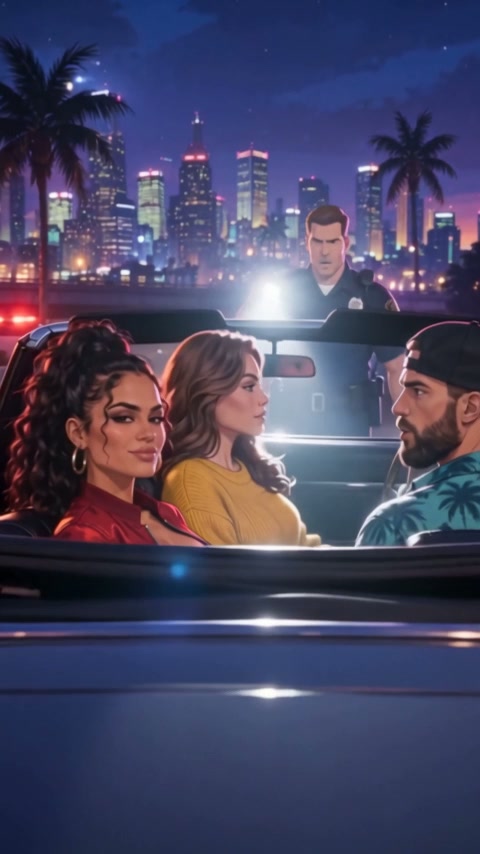
Vertical 9:16 neon Vice City night street scene in photoreal GTA style. 0-3.0s: Rear angle of a silver convertible stopped beneath flashing patrol lights on wet palm asphalt. 3.0-6.5s: Front windshield view as the right passenger looks back nervously at an approaching officer. 6.5-9.0s: Slow push-in drains into monochrome grayscale as the officer stands beside the door. 9.0-15.0s: Vivid neon color snaps back with a playful smirk as the car peels out in tire smoke down the highway.
CREDITS
How many credits does GTA 6 Busted AI cost?
480p costs 10 credits; HD 720p costs 20 credits.
480p10 credits9:16 · 15.0s · Fast preview MP4 with synchronized AAC audio.
720p20 credits9:16 · 15.0s · High-definition MP4 with sharper facial and scenic detail.
Browsing presets, inspecting examples, and selecting slots are free. Credits are held on start and settled only on completion. Failed jobs automatically return held credits back to your balance. Zero recurring lock-in required for one-off credit packs.
BREAKDOWN
GTA 6 Busted AI, second by second
Follow the 5 timed beats synced to the audio track.
Time
Beat
What should happen
0.0-3.0s
Flashing traffic stop
Silver convertible sits pulled over on wet palm asphalt with blue patrol lights pulsing behind.Check sharp facial alignment and clean cut transition.
3.0-6.5s
Windshield glance
Front cockpit framing shows the right passenger turning slightly as the officer steps up.Check sharp facial alignment and clean cut transition.
6.5-9.0s
Monochrome arrest fake-out
Frame fades to slow monochrome grayscale right as the officer looms behind the passenger seat.Check sharp facial alignment and clean cut transition.
9.0-11.0s
Color snap & smirk
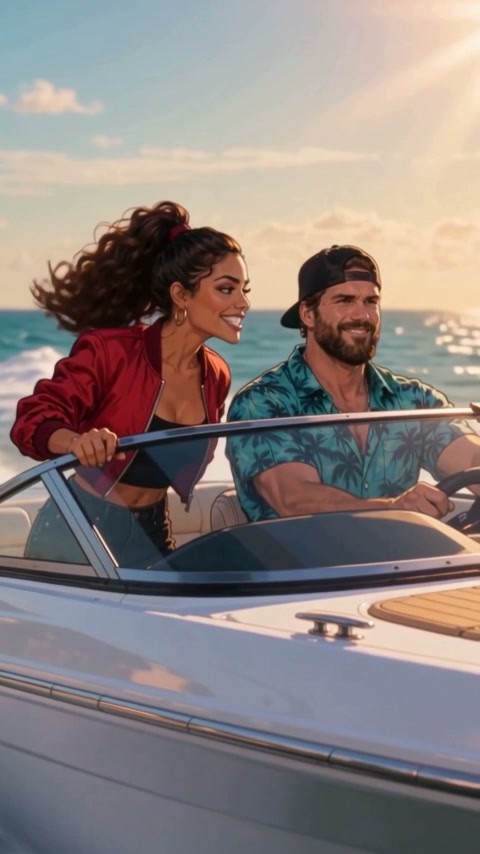
Rich neon color bursts back in while the passenger flashes a confident smirk toward camera.Check sharp facial alignment and clean cut transition.
11.0-15.0s
Tire-smoke getaway
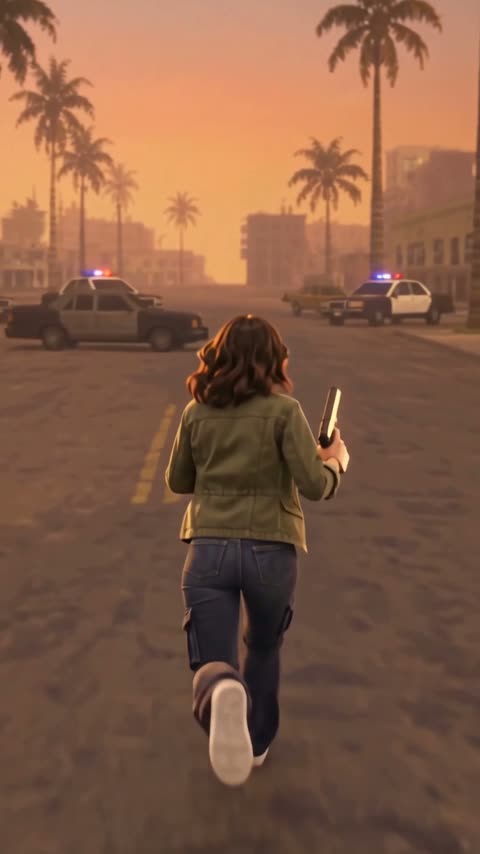
Convertible launches forward past the stunned officer leaving glowing tail lights down the strip.Check sharp facial alignment and clean cut transition.
VERSIONS
Which GTA 6 Busted AI version should you use?
GTA 6 Busted AI · 480p / 720p
BEST FOR480p for fast casting checks; 720p for crisp final exports.
Original 9:16 scene preserving soundtrack with 10-credit 480p or 20-credit 720p output.
TROUBLESHOOTING
Common GTA 6 Busted AI problems & fixes
How to avoid heavy motion blur, sunglasses, or multiple faces in frame. and verify output smoothly.
Problem
Likely cause
What to change
Monochrome-to-color smirk transition feels weak or eyes lose expression
Sunglasses, shaded eyes, or profile portraits flatten the sudden eye-contact pop when neon color snaps back
Use a crisp front-facing selfie with clear uncovered eyes and subtle natural expression.
Officer face warps beside the convertible door
Side-profile visor or brimmed hat obscures facial anchors behind the windshield
Upload an uncovered frontal portrait for Police officer or leave the optional slot blank.
Red and blue patrol strobes wash out dark skin tones
Underexposed bedroom selfie lacks cheekbone contrast under flashing lights
Submit a bright, balanced frontal portrait free of heavy color-filter casts.
Driver and right passenger positions feel flipped
Required right-seat smirk photo placed in the optional co-passenger slot
Keep your main subject inside Right passenger so the 9.0s zoom frames the right face.