GTA 5 Goodbye AITurn one photo into a sunset pier farewell
Browse free10 credits (480p) · 20 credits (720p)
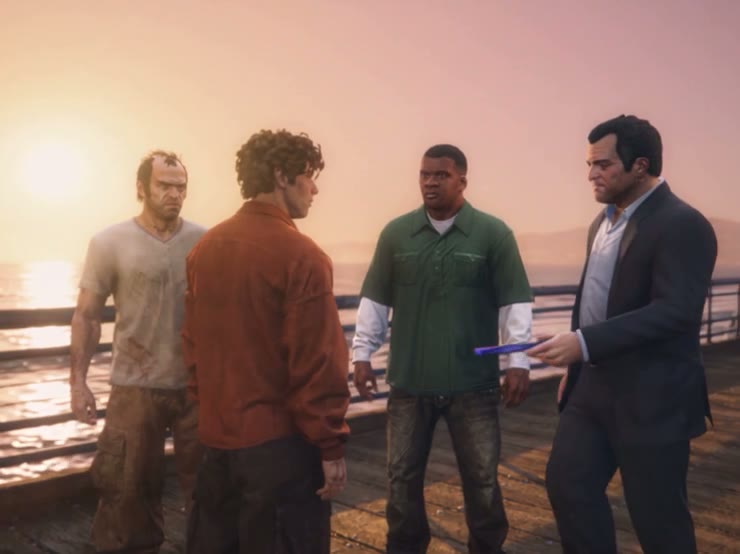
Upload one photo to replace the departing protagonist receiving GTA 6 from Trevor, Franklin, and Michael on a sunset pier. Keep your face clear and well-lit for every pier and car-interior cut. Browsing and choosing options are free; generating one video requires a registered MakeHit account and costs 10 credits at 480p or 20 credits at 720p.
1 photo 29.7 s · Audio on 16:9 · YouTube No watermark
Make your GTA 5 Goodbye AI video
1Upload photos
Your photo required
Use your own photo or a consenting adult’s. No photos of other minors or public figures.
2Choose video quality
30 sec · 16:9
By generating you confirm you have permission to use the people in your photos. Terms · Privacy
Private job and result · 10 credits · 480p · 20 credits · 720p
THE RESULT
What the GTA 5 Goodbye AI video looks like
Playable MakeHit example with synchronized AAC audio and preserved scene rhythm.
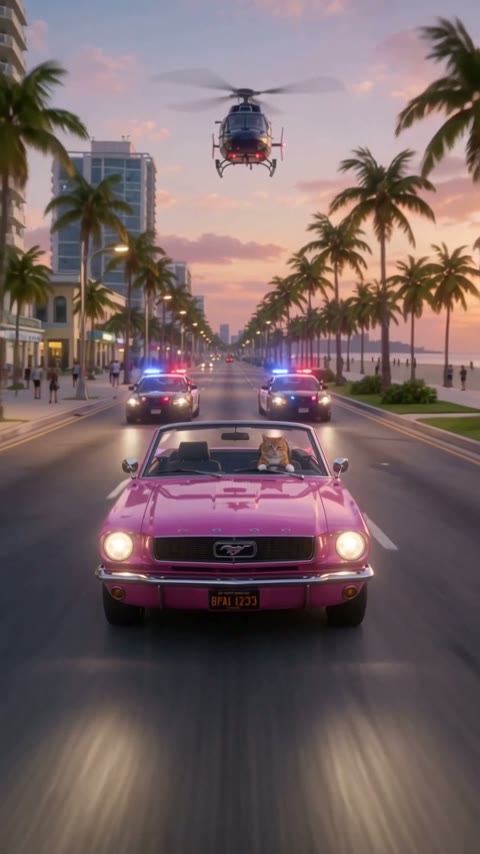
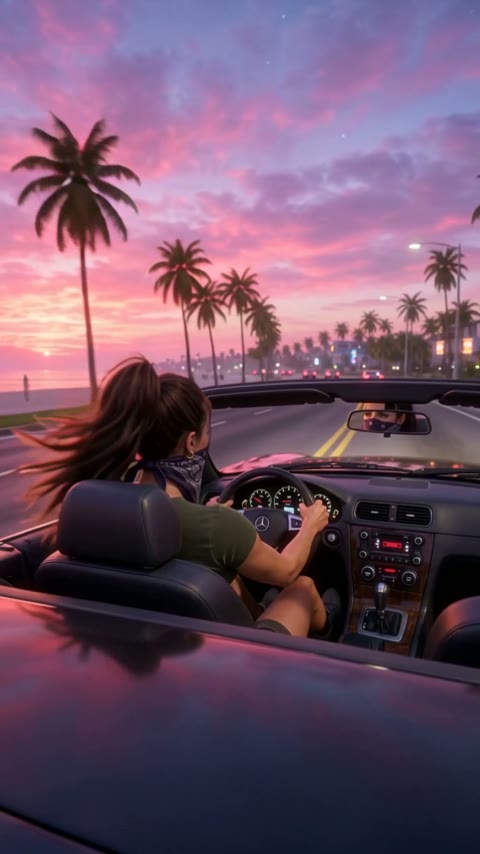
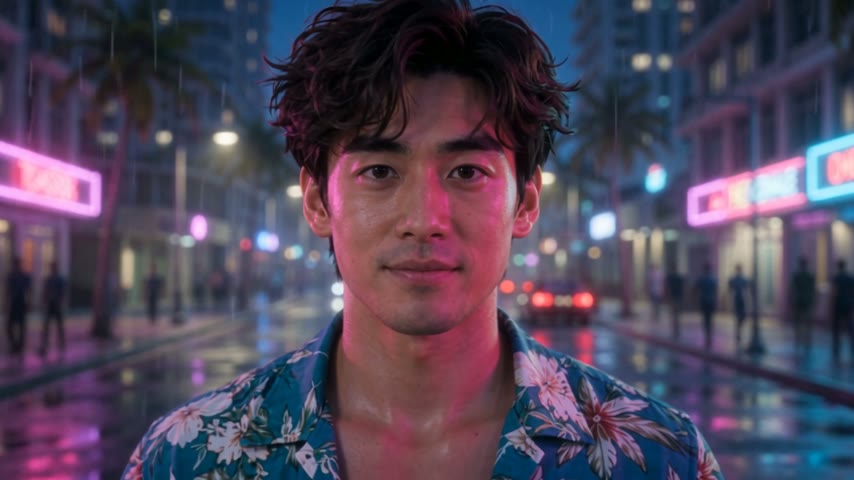
GTA 5 Goodbye AI
solo · original background
Duration 29.728005s with non-silent AAC audio
Preserves original 16:9 framing and background
Subject identity holds across all cuts
Zero watermarks across full timeline
Your photo
Example output. Upload authorized photos and review the full clip before posting.
THREE STEPS
How to make a GTA 5 Goodbye AI video
Three steps from photo upload to clean download.
01
Upload photo
Provide Your photo.
02
Pick 480p or 720p
480p costs 10 credits; HD 720p costs 20 credits.
03
Download & post
Preview your GTA 5 Goodbye AI MP4 with synced audio, download the clean file, and post manually on social platforms with AI disclosure.
PHOTO GUIDE
Which photo works best?
Solo
Input & role order
Your photo
Compose the shot
Clear front-facing face and shoulders
Avoid
Sunglasses, heavy motion blur, or multiple faces in one slot
Every upload
JPG, PNG, WebP, or HEIC up to 10 MB
Single subject per upload slot
ORIGIN
Where the GTA 5 to GTA 6 farewell trend came from
Japanese VFX creator @uekan2b sparked the Los Santos pier farewell on November 12, 2026 with a 6.1M-play "13年間、ありがとう。" tribute, building on nostalgic goodbyes like @craftizytv's 4.9M-play DJ Cara clip. Days later, @b3cause1 hit 20.3M plays with "Thanks You GTA V😭 And Hello GTA VI 😎" and @baprodzxyyy added 18M, splitting comments between "I was in middle school. I’m a father now." and "Why is everyone acting like gta 5 is going to be deleted."
@craftizytv's DJ Cara sign-off hits 4.9M plays
Players gather in emotional comment threads beneath the radio-host farewell, writing "I was in middle school. I’m a father now." and "here's to the ones who didn't make it to GTA 6 🕯️". TikTok · @craftizytv
@uekan2b posts "13年間、ありがとう。" pier tribute
The Japanese VFX creator's sunset Los Santos pier goodbye reaches 6.1M plays and 828.4K likes, setting the visual blueprint for parting ways with 2013–2026 memories. TikTok · @uekan2b
@b3cause1 surges to 20.3M plays ahead of launch
Set to "Let Me Love You" (33.5K videos), "Thanks You GTA V😭 And Hello GTA VI 😎" earns 3.2M likes and 252.2K shares, followed by @baprodzxyyy's 18M-play goodbye edit on November 17. TikTok · @b3cause1
@luna.ai.visuals shares GTA 5 Goodbye AI workflow
Alongside Grand Theft Auto VI's November 19 arrival, AI portrait edits let players swap themselves onto the pier between Los Santos and Vice City. TikTok · @luna.ai.visuals
Dates, view counts, and comments reflect the cited public TikTok posts.
Full cultural timeline, creator variants & audio rights:
Standalone text-to-video prompt describing the scene, subject framing, lighting, and shot-by-shot rhythm.
GTA 5 Goodbye AIYour photo
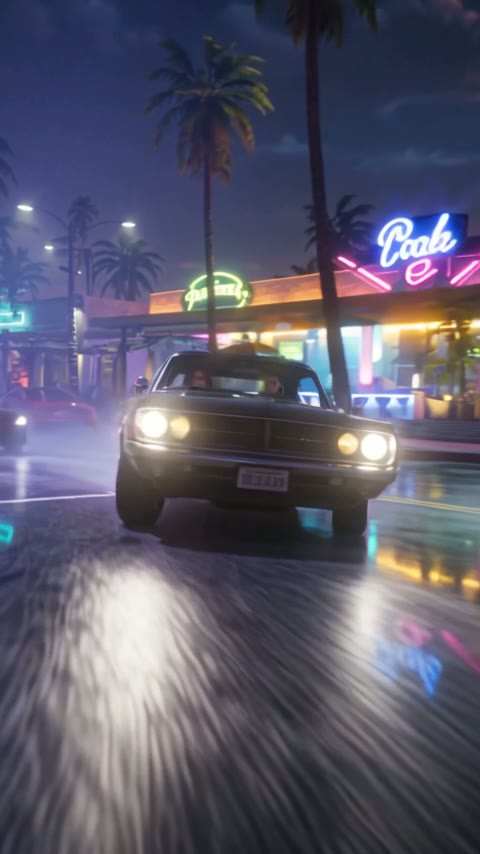
Cinematic golden-hour third-person video on a weathered wooden coastal pier in Los Santos at sunset. 0-7s: A young person in casual streetwear walks onto the pier as Michael hands them a physical PS5 GTA 6 game box, warm orange rim lighting glinting off the ocean waves. 7-13s: Franklin steps beside a parked purple retro supercar and tosses over the car keys with a knowing nod. 13-20s: Medium close-up as Trevor patting their shoulder in farewell while the protagonist smiles emotionally against the pastel sunset sky. 20-29.7s: Interior-to-chase tracking shot as the protagonist places the game box on the passenger seat, grips the steering wheel, and drives the purple supercar down a palm-lined coastal highway into the dusk. Smooth handheld cinematic camera, semi-realistic next-gen game aesthetic, no watermarks or logos.
CREDITS
How many credits does GTA 5 Goodbye AI cost?
480p costs 10 credits; HD 720p costs 20 credits.
480p10 credits16:9 · 29.7s · Fast meme output with synchronized AAC audio.
Browsing templates, reading guides, and selecting options are free. Credits are held on submission and settled only on completion. Failed jobs automatically release held credits back to your balance. No hidden subscription fees per single video.
BREAKDOWN
GTA 5 Goodbye AI, second by second
Shot-by-shot timing synced to the reference soundtrack.
Time
Beat
What should happen
0.0-7.0s
Pier box handover
Michael hands over the PS5 GTA 6 box on the sunset pier.Check subject face likeness against the uploaded portrait.
7.0-13.0s
Key toss by supercar
Franklin passes the keys beside the purple retro supercar.Confirm both characters keep distinct outfits and hands.
13.0-19.9s
Trevor shoulder pat
Trevor pats your shoulder in farewell and you nod back in golden-hour close-up.Inspect close-up facial consistency across the cut.
19.9-29.7s
Coastal drive-off
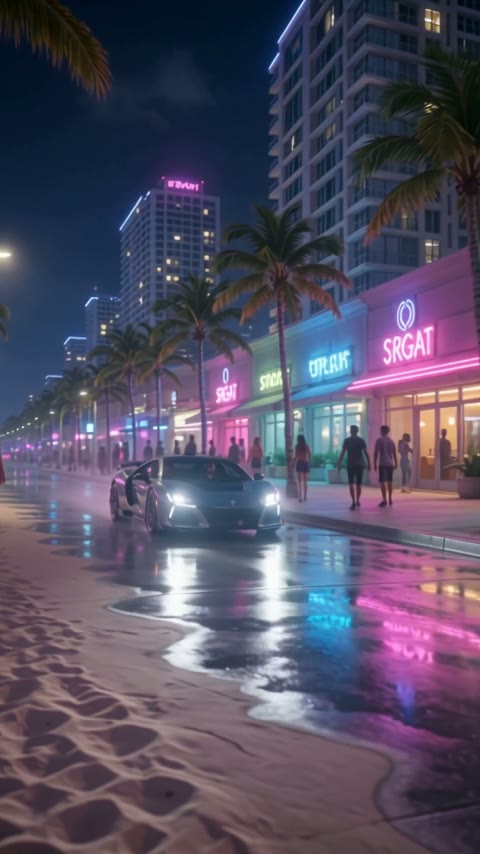
You place the boxes on the passenger seat and drive down the palm-lined beach road.Review dashboard perspective and continuous AAC audio.
VERSIONS
Which GTA 5 Goodbye AI version should you use?
GTA 5 Goodbye AI · 480p / 720p
BEST FOR480p for fast social previews; 720p for crisp final exports.
Fixed original background with 10-credit 480p or 20-credit 720p export.
TROUBLESHOOTING
Common GTA 5 Goodbye AI problems & fixes
Avoid blurry side-profile photos or oversized files.
Problem
Likely cause
What to change
Face drifts in fast cuts
Side-angle or shadowed portrait
Use a sharp front-facing photo with neutral lighting.
Upload rejected
Unsupported file type or size over 10 MB
Keep files in JPG, PNG, WebP, or HEIC under 10 MB.
Face softens during Trevor's shoulder-pat close-up
Side-profile or sunglasses in the source photo
Use an uncropped, eye-level front-facing portrait with even lighting.
Playback muted on mobile
Browser autoplay starts muted
Tap the player unmute button to hear the AAC track.